Today, AI is on almost every other device. But smartphones are the space where it is being used most often. Every new phone claims to be smarter, faster, and more “AI-powered” than the last one. But when you use your phone in normal day-to-day life, then you start to realize that there’s not much of a difference because of AI.
Part of the confusion comes from the way AI is marketed. Some features run fully on your phone. At the same time, some rely on the internet. Brands rarely explain this clearly, which makes everything sound more advanced and more mysterious than it actually is.
That’s why in this article, I will talk about what AI is actually doing on our smartphones these days. Trust me, you will be surprised to know which features are backed by AI and which are not.
Where AI Is Actually Used on Smartphones Today?
These days, many people have quite optimistic theories about AI on Phones. But currently, the devices that we are using are not trying to replace our laptops or think like a human. The majority of the AI on phones these days is just making our everyday tasks faster, smoother, and less frustrating.
Instead of big flashy actions, phone AI focuses on things that happen hundreds of times a day. For example, something as basic as unlocking your phone, taking a photo, or cleaning up noise in a video.
Camera Processing Is the Biggest Real-World Use of AI
Do you know that if today AI is taken off our phones, then we will not be able to take those cool photos of a coffee mug at a fancy cafe, or that breathtaking sunset photo that you took in Bali will not look as mesmerizing as it is looking right now. Because the camera is the place where the majority of the on-device AI is being used.
When you point your camera at something, the phone’s AI is already working. It recognizes if you’re shooting a person, food, or a sunset. It’s using built-in models to identify the scene in front of it.
Based on what it sees, it automatically adjusts things like color, brightness, and focus to get a better shot. That’s why food pictures often look more vibrant and portraits have better skin tones without you touching a single setting.
Apart from that, when you take a photo in a room with a bright window and dark corners, AI-powered HDR takes several pictures at different exposures and merges them. The AI figures out how to combine them so you can see details in both the shadows and the highlights. Night Mode works the same way; it combines multiple shots to create one bright, clear image, and AI cleans up the noise.
AI-Powered Photo and Video Editing Features
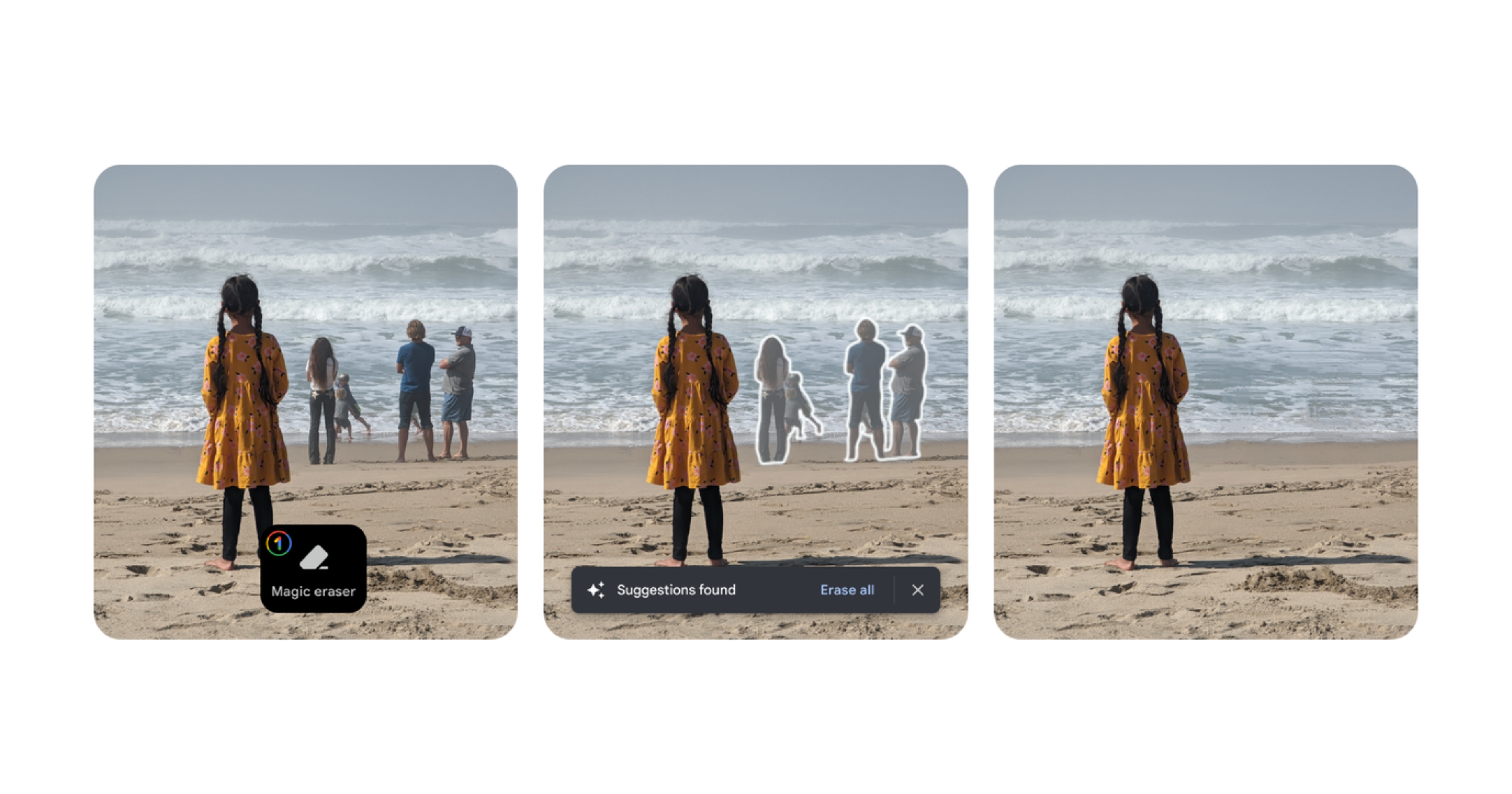
This is the area where you notice the majority of the AI magic. You’ve probably seen features like Google’s Magic Eraser or Samsung’s Object Eraser, where you can circle something in a photo and just delete it.
So when you remove that particular object, the phone’s AI doesn’t just leave a blank space. It analyzes the surrounding area and generates a new background to fill in the gap, making it look like the object was never there. This kind of complex processing happens right on your device.
Apart from that, AI is the reason why today video on newer devices looks so smooth. AI-powered stabilization predicts your hand movements and adjusts the frame in real-time to counteract the shakiness. This is all happening instantly on the phone’s processor, which is why newer devices feel so much faster and more capable at these tasks.
Face Unlock and Biometric Security
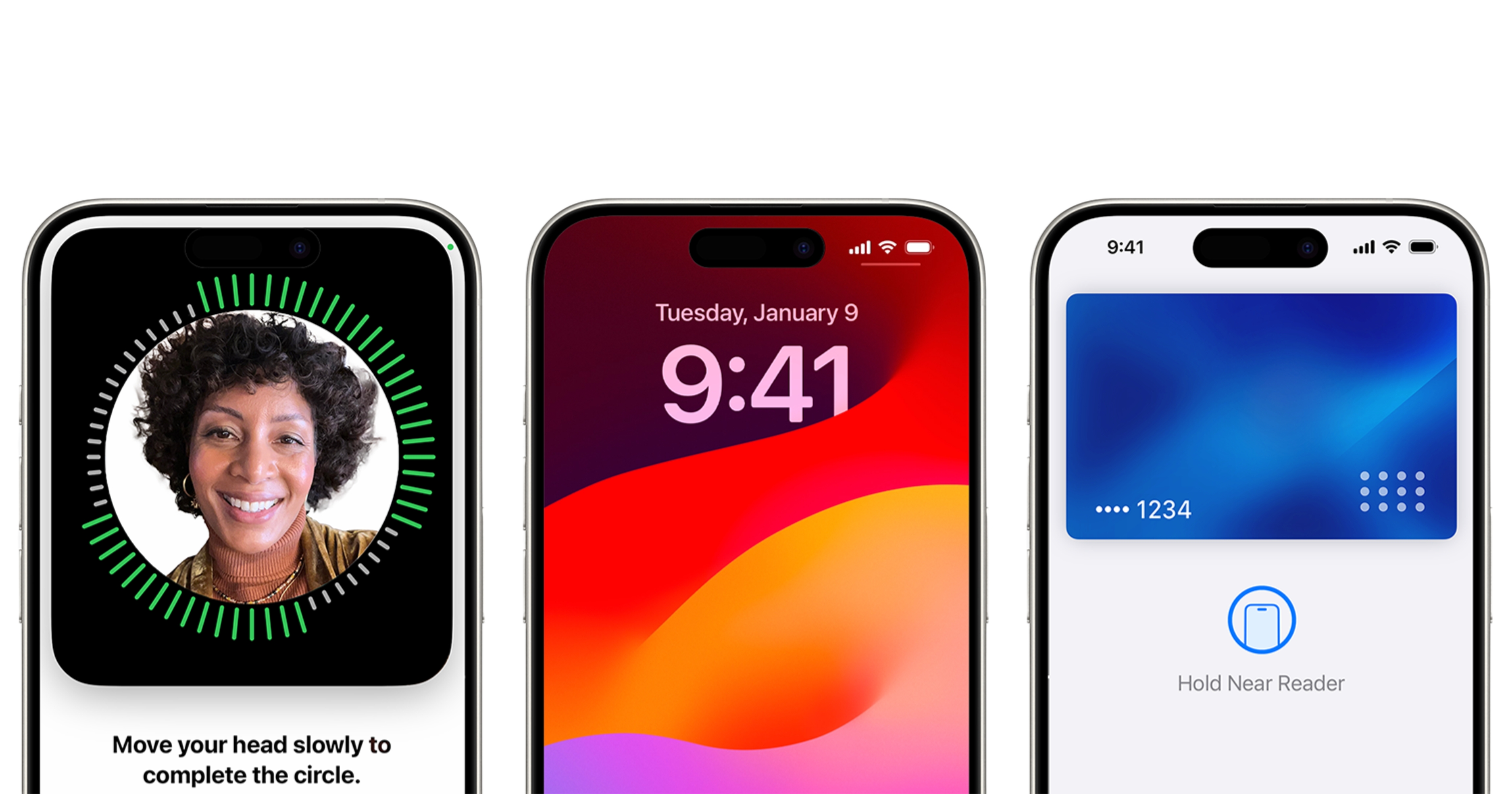
Have you ever imagined why face unlock happens within a few microseconds, even without the internet? Yes, the sensors are there in the case of Apple, but apart from that, its AI running directly on your smartphone helps. Your face data stays on the device and never needs an internet connection to function.
That’s why it works instantly, even in airplane mode. Your phone isn’t sending your face to a server and waiting for a response. It’s comparing what it sees with secure data stored locally.
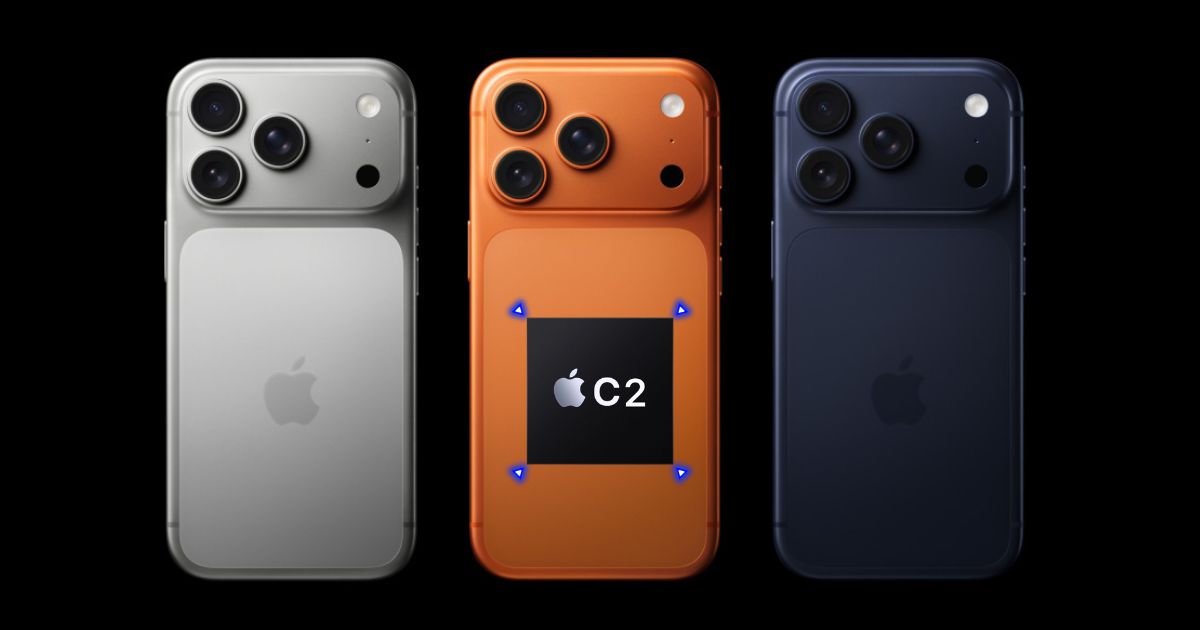
This is also where dedicated hardware matters. Phones with better sensors and on-device AI chips can recognize faces faster and more accurately, even in low light. It’s one of the clearest examples of how AI and hardware are connected on modern smartphones.
Voice Processing That Runs Directly on the Phone
Have you ever used a live transcription app that turns your speech into text as you talk? Or seen live captions pop up for a video? On many of the latest devices, that part is happening entirely on the device.
These days, a phone’s dedicated AI hardware is powerful enough to process your voice and convert it into text in real-time without needing to send it to a server. This is a huge win for privacy. It means your private conversations or voice notes aren’t being uploaded somewhere just to be transcribed.
This also applies to some basic voice assistant commands. Simple requests like “set a timer” or “open an app” can often be handled on-device, which is why they work instantly, even if your internet connection is slow or off completely.
What AI Features Still Depend on the Cloud?
So now you might think that since our phone is already capable of doing all these, then why do some AI features still need an internet connection? Well, it comes down to scale.
Powerful generative AI features, like creating a complex, high-resolution image or having a deep, nuanced conversation with an advanced chatbot, rely on massive AI models. These models are too big and require too much processing power to run on a smartphone chip.
That’s why those tasks are offloaded to the cloud, where they can be processed by huge, powerful servers in data centers. Your phone just sends the request and gets the result back.
FAQs
AI features include camera scene detection, night mode, portrait blur, object removal editing (like Magic Editor), live translation, Circle to Search, face unlock, and live captions. These run on-device for speed and privacy.
No single best, but Samsung Galaxy S25 series sets the standard with Galaxy AI across all models (Live Translate, Photo Assist, Note Assist). Google Pixel leads in on-device Gemini Nano for editing and screening.
Yes, lightweight AI models like Gemini Nano and ML Kit run fully on-device using phone NPUs for tasks like translation and editing. Larger models need cloud.
Gemini Nano for summarization/editing, Circle to Search, Live Translate, Call Screen, ML Kit for vision/text, Galaxy AI on Samsung (Note Assist, Photo Assist). Runs via AICore and Snapdragon.