So you have made up your mind to get into AI projects, but are confused about which GPU to buy? Well, you are not the only one. Picking the right graphics card can seem a little daunting with all the technical jargon and a host of different models out there. That’s why in this guide, I will cut through all the noise and help you figure out what exactly you need.
Whether you are just experimenting with AI chatbots or planning something big. I will help you get the perfect GPU for your needs without breaking the bank or getting bogged down in jargon.
Disclaimer: Any links mentioned in this article are for reference only and are not affiliate links. We do not earn any commission from them.
Types of AI Projects and Their GPU Requirements
Let’s talk about what you’ll actually be doing with AI. If you’re just running pre-trained models, like using an AI chatbot or generating images with Stable Diffusion, that’s called inference. It needs a decent GPU, but it’s not as demanding as training a model from scratch. For example, running Stable Diffusion for image generation on a consumer card is pretty fast, taking just a few seconds per image. But fine-tuning models, like making Stable Diffusion generate images in your specific style, that needs a bit more power and VRAM. However, consumer cards still do a solid job here.
Training large AI models from zero knowledge, however, is usually out of reach for beginners and requires specialized, expensive hardware or cloud services. For most beginners, running models locally and maybe doing some light customization is the goal, and that dictates the type of GPU you’ll need.
Key GPU Specifications You Should Understand Before Buying
When you are looking at GPU specs for AI, VRAM is the most critical spec. It’s the memory on the GPU where the AI model and its data live. If it doesn’t fit, your AI won’t run properly. Apart from that, there are Tensor Cores, which are special processing units found in NVIDIA GPUs that are incredibly fast at the specific math AI models used. Newer generations of GPUs have more and better Tensor Cores, making them much faster for AI tasks.
Memory bandwidth also plays an important role; it handles how quickly data can be moved around on the GPU. Think of it like the speed limit on a highway for your data. While raw clock speeds matter, for AI, having enough VRAM and fast Tensor Cores along with the memory bandwidth often makes a bigger difference.
Furthermore, NVIDIA’s CUDA platform is also a huge factor because most AI software is built to work seamlessly with it, whereas AMD’s equivalent (ROCm) is still catching up in terms of software support.
How Much VRAM Do You Really Need for AI Projects?
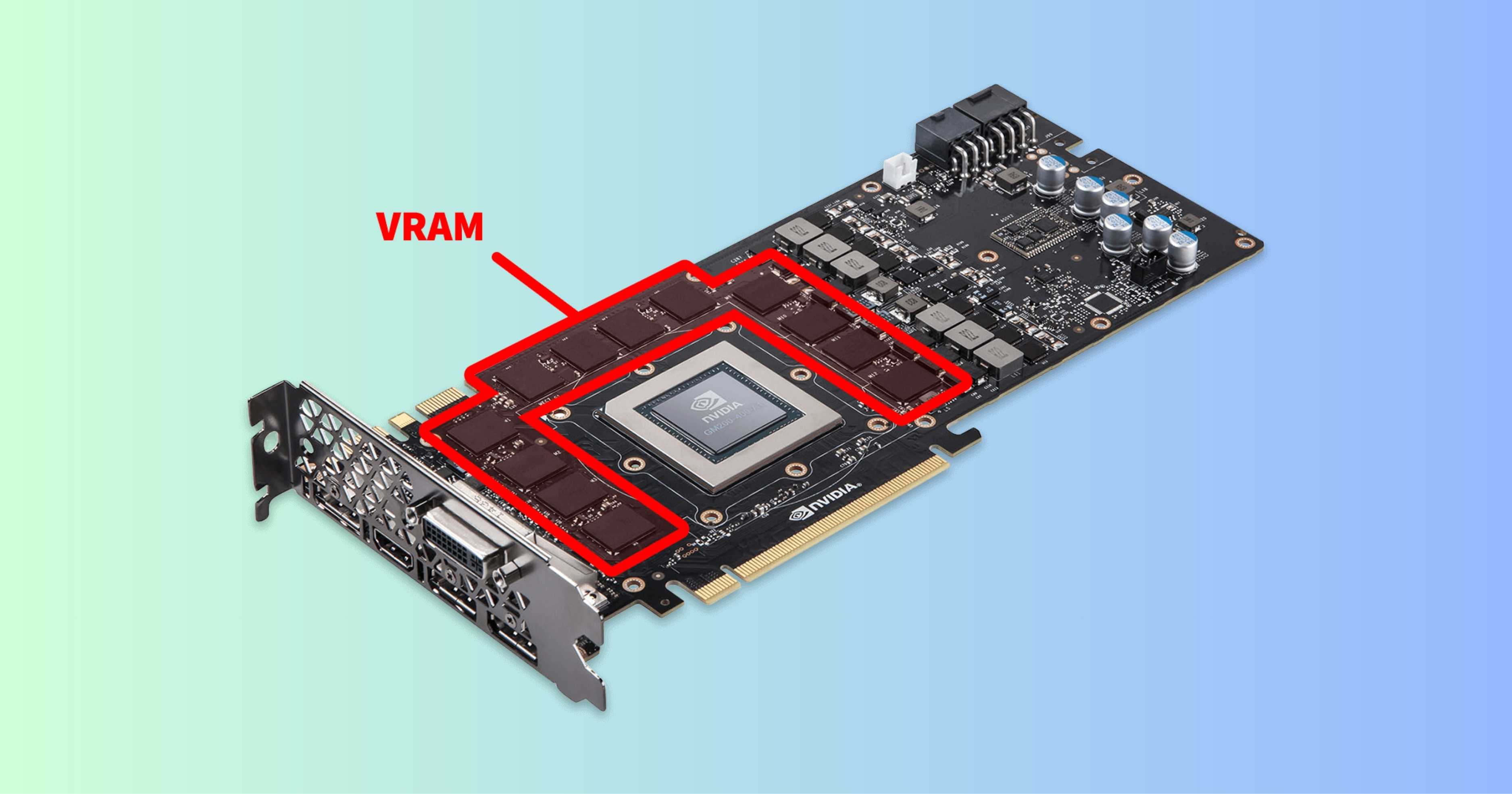
This is the question everyone asks, and the honest answer is that more is always better, but there is a practical minimum. For small models, basic experiments, and inference, 8GB of VRAM can work, but you will hit limits quickly. So once you tap into fine-tuning or working with larger datasets, 12GB starts to feel comfortable.
If you are serious about training or running larger language models locally, 16GB or more makes life much easier. VRAM is the one spec that cannot be upgraded later, so it is always best to prioritize memory over raw compute power.
Consumer GPUs vs Professional GPUs
| Aspect | Consumer GPUs | Professional GPUs |
| Best AI Use Cases | Fine-tuning small models, inference, hobby projects (e.g., Stable Diffusion) | Large-scale training, multi-GPU setups, enterprise ML |
| VRAM & Memory | Up to 24GB GDDR6; sufficient for most beginner datasets | 48GB+ with ECC; handles massive datasets without errors |
| Compute Performance | High peak FLOPS for gaming-like bursts; good CUDA/TensorRT support | Optimized for sustained 24/7 compute; better FP64 precision |
| Driver & Software | Free NVIDIA/AMD drivers; easy setup with PyTorch/TensorFlow | Certified drivers for stability; longer support cycles |
| Cost & Value | Affordable ($500–$2000); high perf/price for starters | Expensive ($3000+); justified for production reliability |
Laptop GPU vs Desktop GPU vs Cloud GPU: What’s Best for Beginners?
Laptops are convenient, but mobile GPUs come with limitations when it comes to power and cooling. They are ok for learning and light experimentation, but they struggle with heavier workloads. Desktops offer the best balance of performance, thermals, and upgradability, which is why they are so popular for AI work.
Cloud GPUs remove hardware constraints entirely and allow you to access very powerful machines. However, the costs of Cloud GPUs can add up quickly if you are not careful. So, for the majority of beginners, a desktop GPU is the easiest and most predictable starting point.
Power Consumption and Cooling
This part is often ignored until it becomes a problem. Powerful GPUs draw a lot of power and generate serious heat. If your power supply is weak or your case airflow is poor, performance will suffer.
Thermal throttling can quietly slow down training and make results inconsistent. Even a mid-range GPU benefits from a good cooling setup. While it might not appear as the most exciting part of the process, it does make a real difference in day-to-day AI work.
Recommended GPUs for Beginners
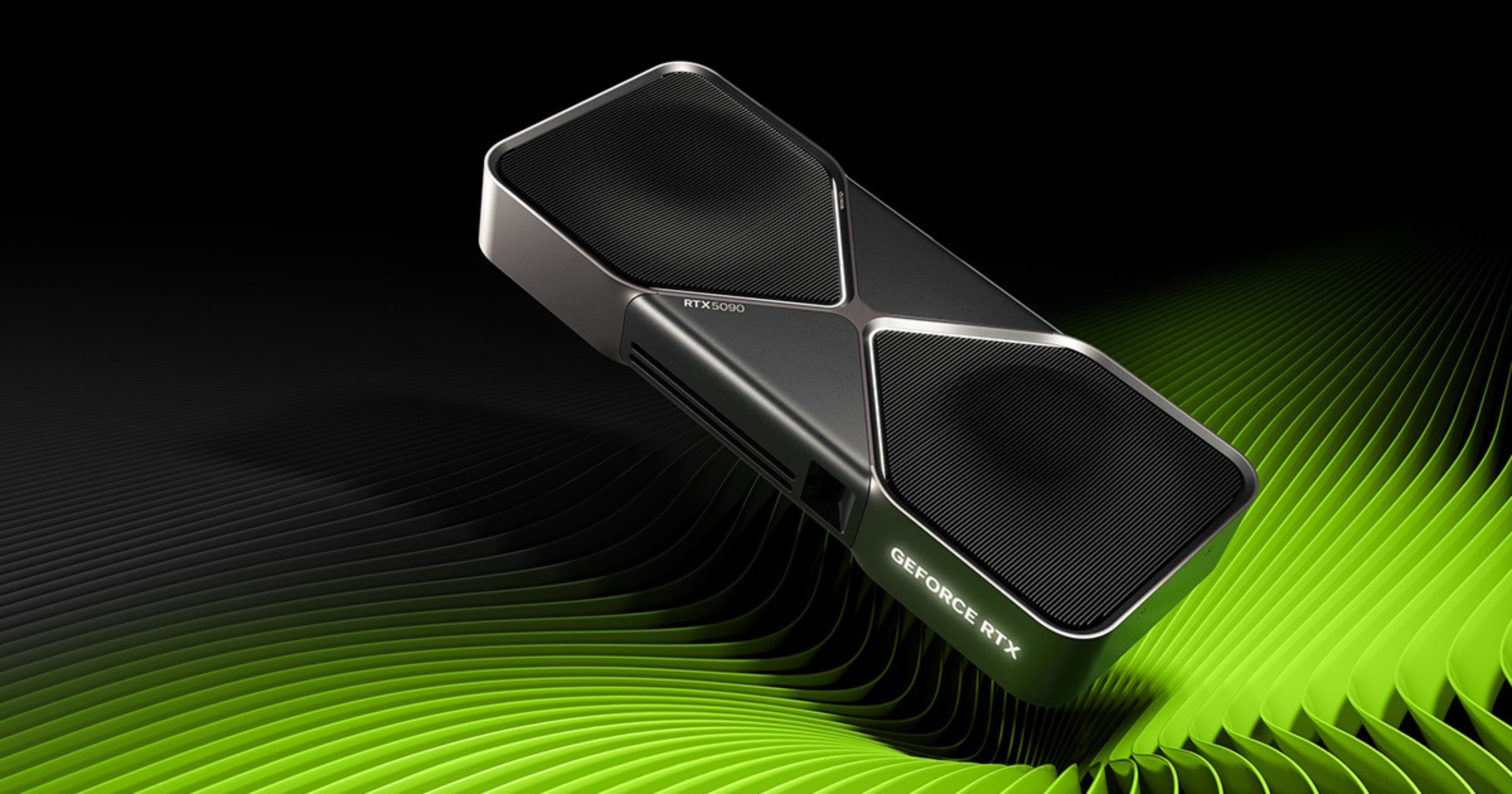
For beginners starting AI projects in 2026, here are some recommendations:
- Entry-Level: Look for cards like the NVIDIA RTX 4060 Ti or 5060, ideally with 16GB of VRAM. These can handle smaller language models (after quantization) and basic image generation tasks.
- Mid-Range: Aim for GPUs offering 16GB to 20GB of VRAM, like the RTX 4070 Ti Super, RTX 4080 Super, or RTX 5070. These provide a good balance for running larger models and faster inference.
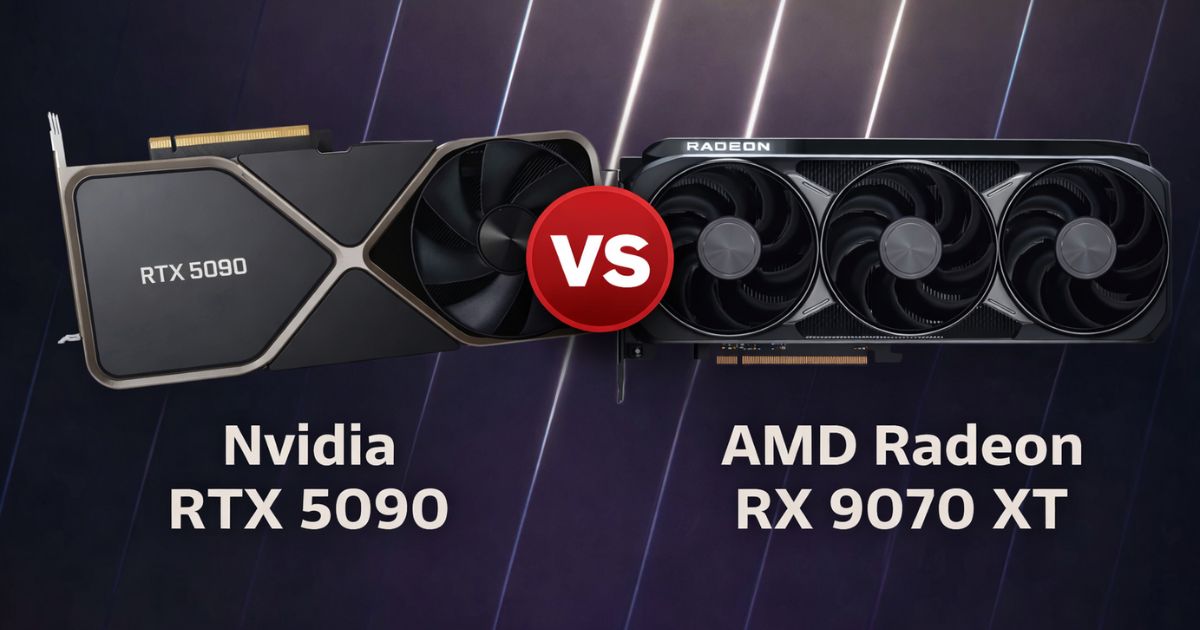
- High-End: If you are looking for maximum flexibility and performance on a consumer budget, the RTX 4090 or 5090 with 24GB+ of VRAM is the top choice. They handle demanding models and offer excellent speed for local AI development.
How Future-Proof Should Your AI GPU Be?
AI models are getting more optimized, yet VRAM requirements are still growing. So getting a GPU with more memory tends to last longer. A GPU with more VRAM will remain usable for longer as models grow, even if newer cards offer slightly faster processing.
Interestingly, techniques like quantization are constantly evolving, which allows larger models to run on less memory. So it will help you extend the life of your current hardware. So a balanced GPU that fits your workflow today will usually stay useful longer than you expect.
FAQs
Yes, the RTX 3060 suffices for AI, especially inference on 7B models, Stable Diffusion, and smaller neural networks with its 12 GB VRAM and tensor cores.
The used NVIDIA GeForce RTX 3060 offers the best value for AI due to its 12 GB VRAM, tensor cores, and strong performance in deep learning tasks at a low cost.
NVIDIA GPUs like the RTX series (e.g., 3060, 4060, 4070, 4090) and professional options such as A100, A40, or H200 are compatible with AI models via CUDA, Tensor cores, and frameworks like TensorFlow or PyTorch.
No, the RTX 4070 outperforms the RTX 4060 for machine learning due to its higher specs, including 5,888 CUDA cores versus 3,072, 12 GB GDDR6X VRAM versus 8 GB GDDR6, and 466 AI TOPS versus 242 TOPS. This makes the 4070 about 50-100% faster for model inference and larger datasets.