As we are approaching the end of 2025, AI has reached almost everywhere. But at the same time, it has split into two camps, one is running on massive data centres, and the other is sitting right on your phone and laptop. Well, this divide is not only on the basis of speed, reliability, or scalability. It’s also a fight over your data and privacy.
Today, cloud AI powers the giants like ChatGPT and Google Gemini. Whenever you give your prompt to these platforms, they go to a server run by OpenAI or Google. But on the other hand, on-device AI uses chips like NPU to process everything locally, like Apple’s intelligence features or Windows Copilot+.
In 2025, AI adoption surged and truly reached the mainstream. Some photo trends went viral on Gemini, but they also raised concerns about privacy and data handling.
In this article, I will explore both Cloud and On-Device AI. So, without wasting any more time, let’s get started.
What is Cloud AI?
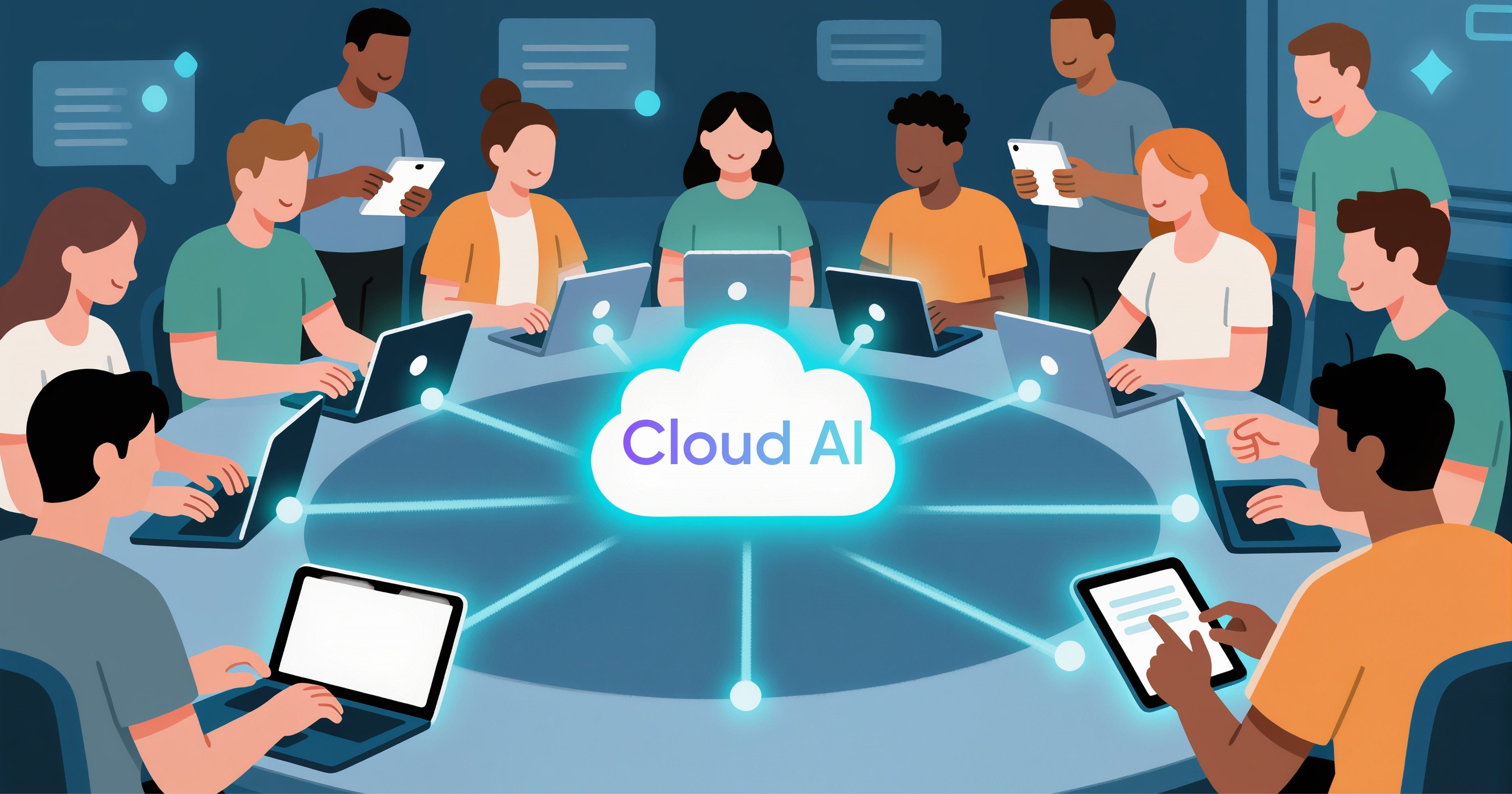
We all know the basic meaning of Cloud AI. It sends your input to remote servers, and the heavy math happens there.
- How it works: You type in a query, and it goes to the server farm with thousands of GPUs, where the model crunches it and delivers a response to you within seconds.
- Examples:
- ChatGPT
- Gemini
- Midjourney
- Perplexity
- Claude
- Requirements: You just need an internet connection, and that’s about it. Yes, you will have to pay if you want some advanced features, but for the majority of people, the free tier works perfectly fine.
- Advantage: Thanks to the massive power that these AI platforms have, they are able to handle complex tasks like writing a detailed report, creating an image, or coding an entire app.
What is On-Device AI?
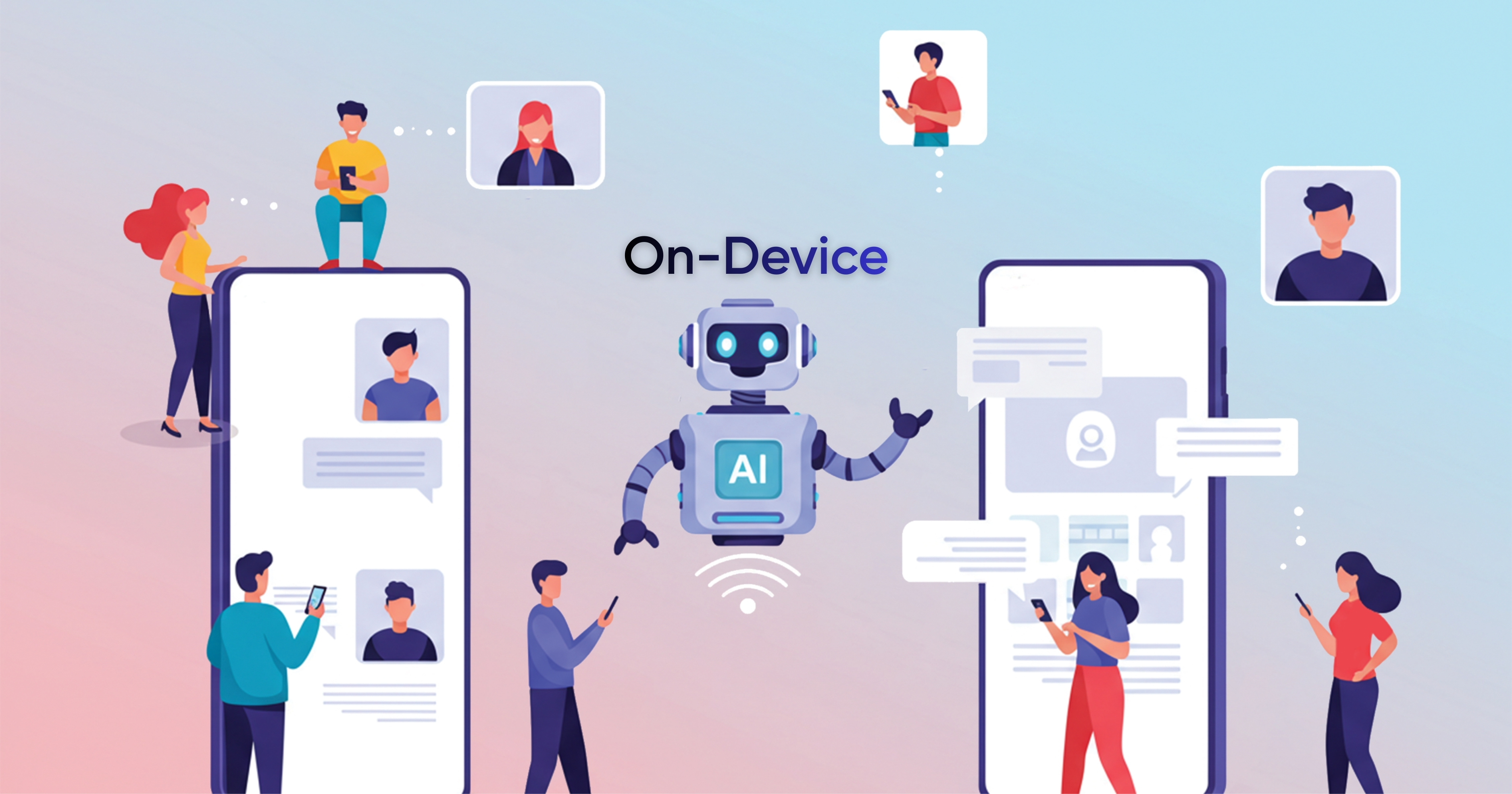
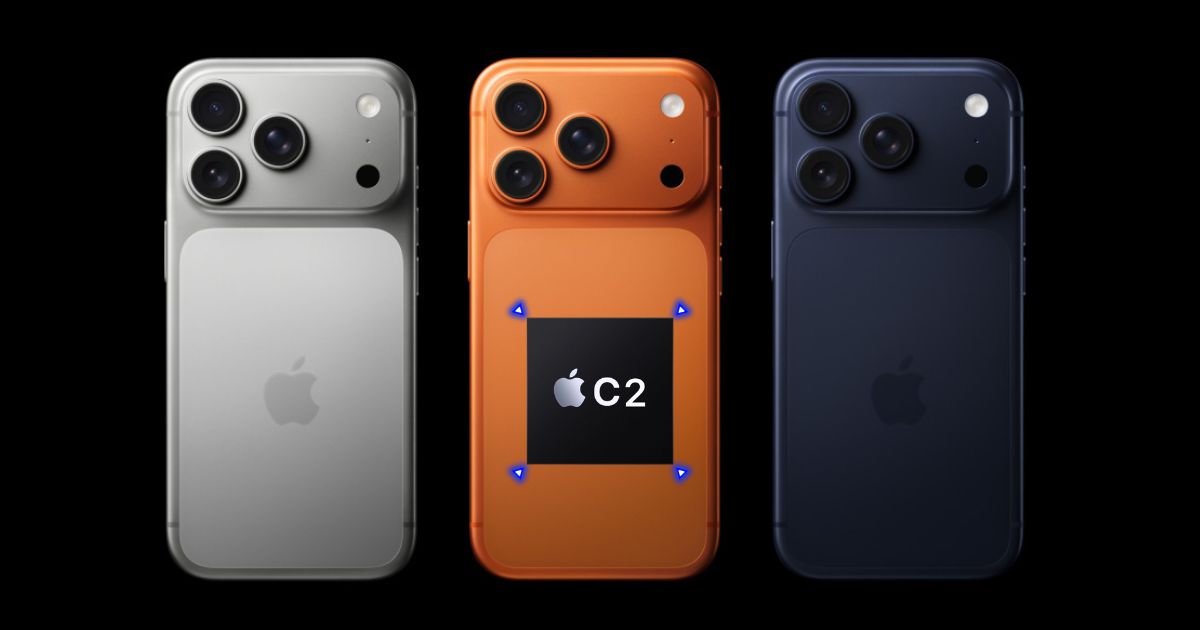
As the name suggests, On-Device AI runs models directly on your hardware, like your laptop or phone, through a new chip called NPU (Neural Processing Units). It is a chip especially designed to manage AI, especially deep learning, and neural network computations.
- How it works: You type in the query, it goes to the NPU on your device where a smaller model crunches it using matrix math optimized for the chip, and the response pops up instantly.
- Examples:
- Apple Intelligence (iPhone 17, M5 Macs).
- Qualcomm’s Hexagon NPU in Snapdragon X Elite laptops.
- Windows Copilot+ PCs.
- Requirements: You will have to buy the latest devices that support the latest on-device AI capabilities.
- Advantage: The biggest advantage is that it works offline, and is great for everyday tasks like simple photo editing, handling voice commands to set reminders, doing some quick organization of a photo gallery, and more.
Cloud AI vs. On-Device AI
| Feature | Cloud AI | On-Device AI |
| Privacy | Low (data sent to servers) | High (local processing) |
| Speed | 1-5 seconds (latency) | Instant (<100ms) |
| Power/Smarts | Unlimited (huge models) | Limited (smaller models) |
| Offline Use | No | Yes |
| Battery Impact | Low on device (server does work) | Low with NPU, high without |
| Cost | Subscription fees | Hardware upfront |
| Updates | Instant server-side | App/firmware updates |
Advantages and Disadvantages of Cloud AI
Obviously, the biggest advantage of Cloud AI is that it offers strong scalability. It allows companies to handle massive data sets and complex models. Plus, it’s also beneficial for users as they can use some of the most powerful AI models out there, either for free or by paying a small monthly subscription.
However, it also comes with some real downsides, and data privacy is on top of that list. Since everything you put out on these AI platforms goes to remote servers, it raises the risk. In 2025 alone, we saw some big spikes in AI-related cloud hacks from weak API keys and overpermissions. Apart from that, latency hits real-time apps hard due to network delays, and you’re locked into one vendor’s ecosystem, making switches painful.
Advantages and Disadvantages of On-Device AI
On the other hand, the On-Device AI solves the biggest security issue we face with cloud AI that is privacy. Since it keeps your data locked, the risk associated with cloud breaches and surveillance vanishes. And it’s perfect for privacy-focused apps like Face ID or photo editing. Plus, it also delivers instant responses with almost zero latency, which is ideal for real-time tasks like voice commands or AR filters. Apart from that, thanks to specialised chips like NPU, it doesn’t drain the battery life of your device.
But the biggest trade-off with On-Device AI is its hardware limitations. It can only run smaller models with no massive training or deep analysis without the help of cloud AI. Plus, the scalability suffers as one device cannot match the server farms of big data jobs.
Cloud vs. On-Device in Action: Real-World Examples
| Use Case | Cloud-Based AI | On-Device AI |
| Photo editing | Removes objects or changes backgrounds using heavy processing in the cloud | Enhances photos instantly using the phone’s chip |
| Voice assistants | Answers complex questions by sending audio to servers | Handles wake word and basic commands offline |
| Live translation | Translates long conversations with high accuracy online | Translates short phrases instantly without internet |
| Email writing | Generates long emails using large language models online | Suggests quick replies and grammar fixes locally |
| Video calls | Adds advanced effects using cloud processing | Blurs background and tracks face in real time |
| Security & face unlock | Rarely used due to privacy concerns | Face and fingerprint recognition done fully on-device |
| AI image generation | Creates high-quality images using powerful GPUs | Limited or no image generation on-device (for now) |
| Battery impact | Low on device, but depends on network usage | Very battery-friendly for frequent tasks |
Which One Is Better?
So, which one is actually better, Cloud AI or On-Device AI? The honest answer is simple. There is no straight winner.
Both have strengths and limits, and we need both.
AI is now part of our everyday life. It is hard to imagine a day without tools like ChatGPT or Gemini helping us write, search, or think faster. Because of this, completely avoiding cloud-based AI due to privacy concerns is not realistic. Yes, cloud AI is more exposed than on-device AI. But in most cases, these systems are well secured and designed to handle data responsibly. That said, users still need to be careful. Sharing sensitive personal information blindly is never a good idea.
On-device AI, meanwhile, has been quietly doing important work for years. If you use an iPhone, imagine life without Face ID or Live Photos. These features work instantly and privately because they run directly on your device. While on-device AI use cases are still limited today, that is changing fast. As NPUs get more powerful, we will see smarter, faster, and more capable AI running locally, without needing the cloud every time.
So, at the end, the future of AI is not cloud versus device. It is the cloud and device working together.
FAQs
Both. Galaxy AI uses a hybrid approach. Some features run directly on the device, while others rely on cloud servers for heavier AI tasks.
Power and scale. Cloud AI can run large and advanced models, handle complex tasks like coding or image generation, update instantly, and work across devices with just an internet connection.
1. Data is sent to remote servers
2. Higher privacy and breach risks
3. Needs a stable internet connection
4. Can suffer from latency
5. Locks users into specific platforms or ecosystems
On-device AI works offline, keeps data local, responds instantly, improves battery efficiency using NPUs, and is ideal for everyday tasks like Face ID, voice commands, and photo organization.