Filter by Topic
AMD vs NVIDIA Which GPU Should You Choose in 2026?
Choosing between AMD and NVIDIA GPUs is not as simple as it used to be. Today both the brands have improved a lot over the years, and the gap between…
Can Cursor AI Be Used for AI Model Development? Guide for Engineers
You have got yourself a latest GPU rigs, the local server racks, and the raw compute power needed to train complex neural networks. But as any AI hardware enthusiast knows,…
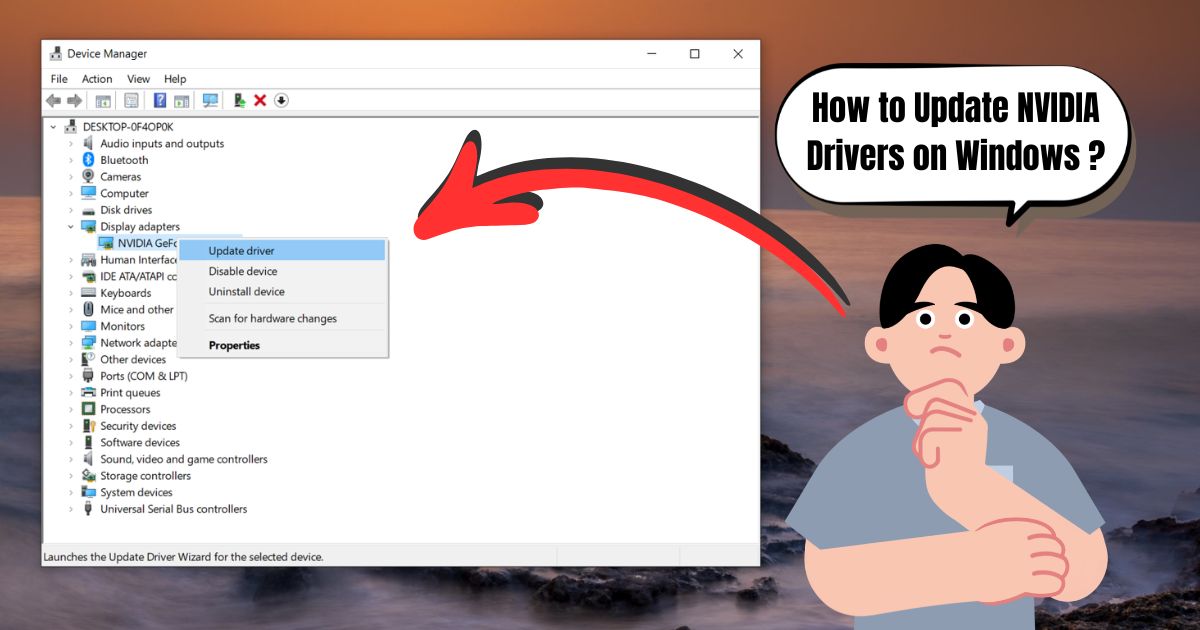
How to Update NVIDIA Drivers on Windows ?
If you are running a local large language model (LLM), training a neural network, or rendering complex 3D scenes, your graphics card is the heart of your workstation. But even…
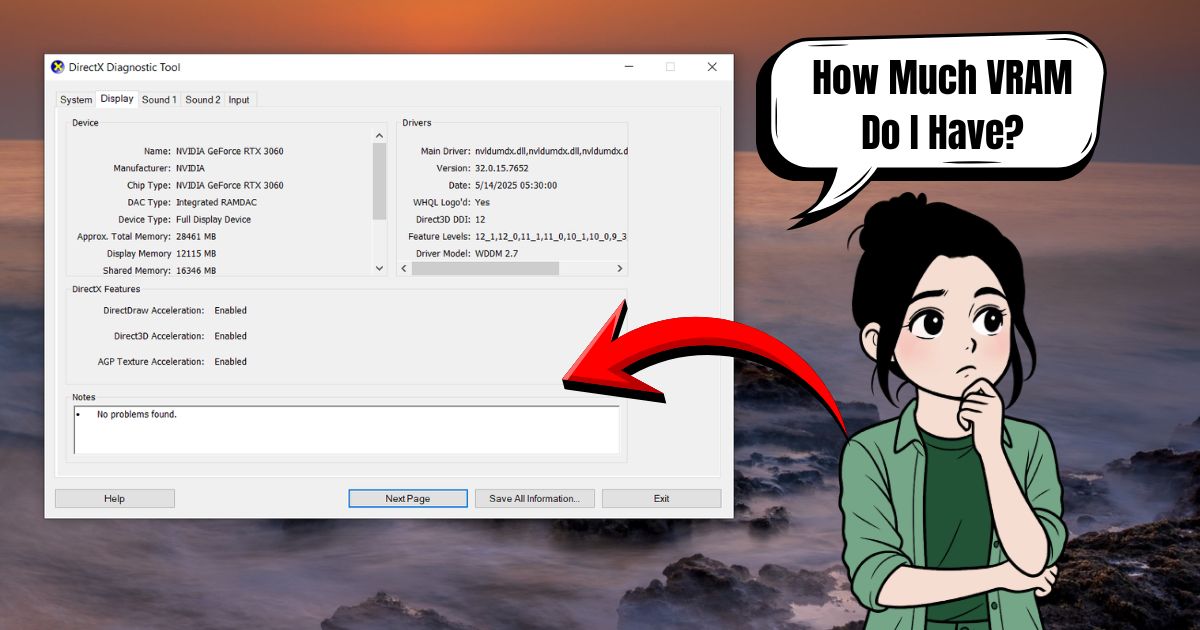
How Much VRAM Do I Have? How to Check, Increase, or Change GPU VRAM
We all know that GPUs rely on a dedicated memory called VRAM (Video Random Access Memory) to store textures, frame buffers, and other graphics data. Plus the amount of VRAM…
How to Disable NVIDIA Overlay: A Complete Step-by-Step Guide
If you are tired of pop-ups and screen clutter interrupting your workflow or gaming sessions, disabling the NVIDIA overlay can be a solution. While the tool offers quick access to…
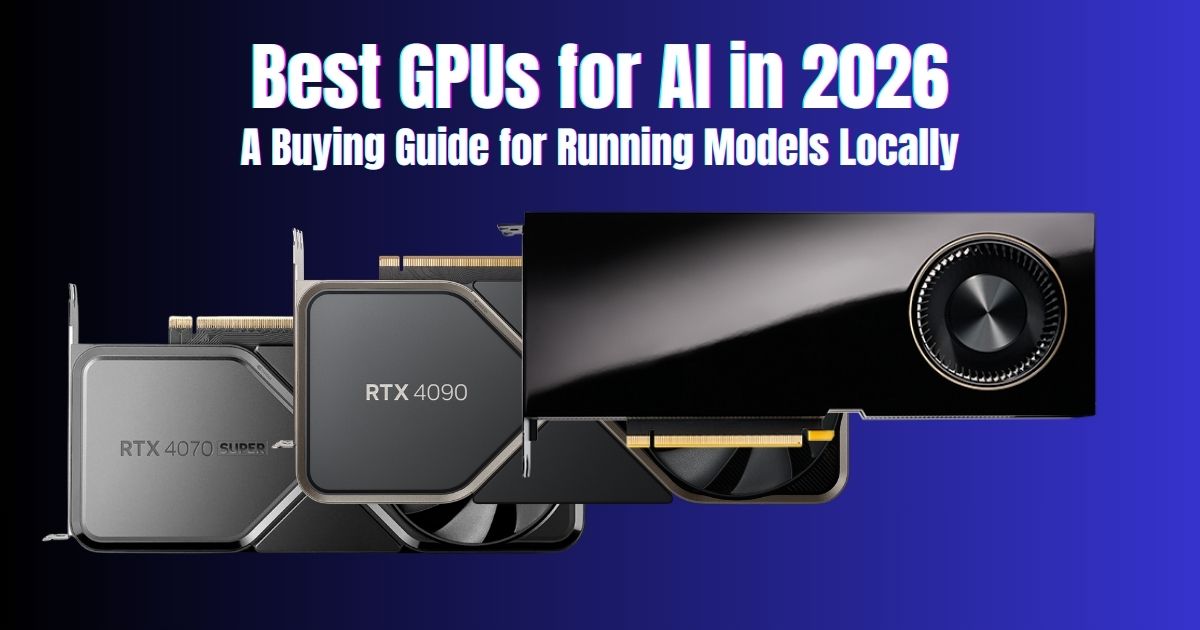
Best GPUs for AI in 2026: A Buying Guide for Running Models Locally
Running AI models locally has become far more accessible than it was just a few years ago. Tools like Stable Diffusion, Ollama, and LM Studio allow developers, researchers, and even…
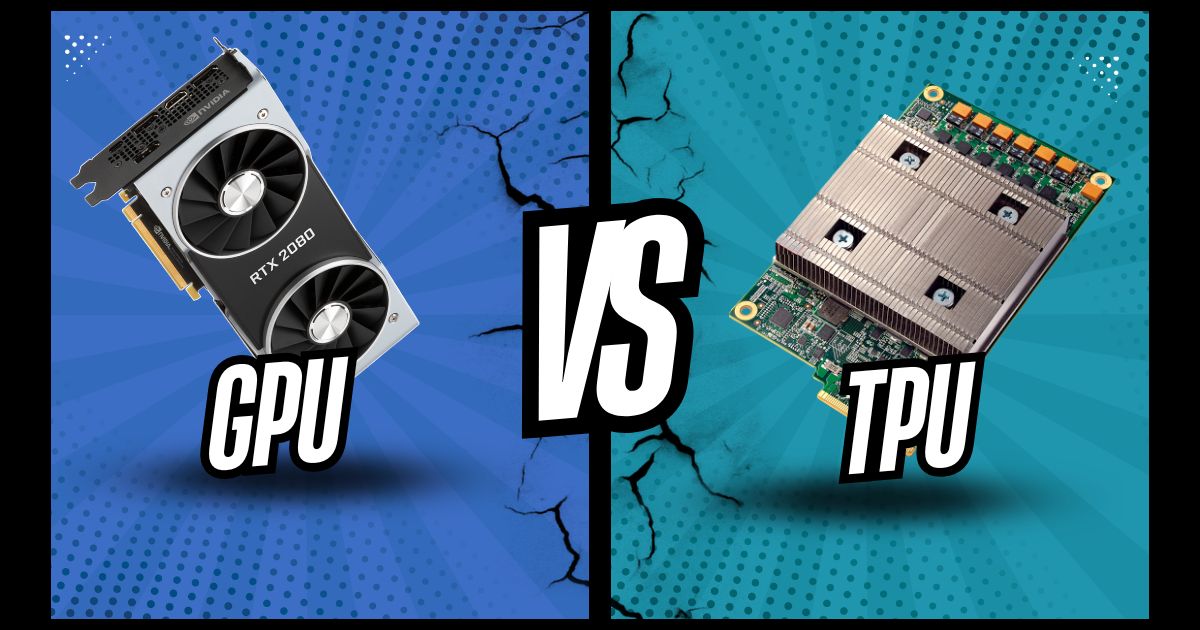
GPU vs TPU: Which AI Hardware Should You Choose in 2026?
If you have been following the AI space then you must have come across terms like GPU and TPU. These chips have become quite important for training and running AI…
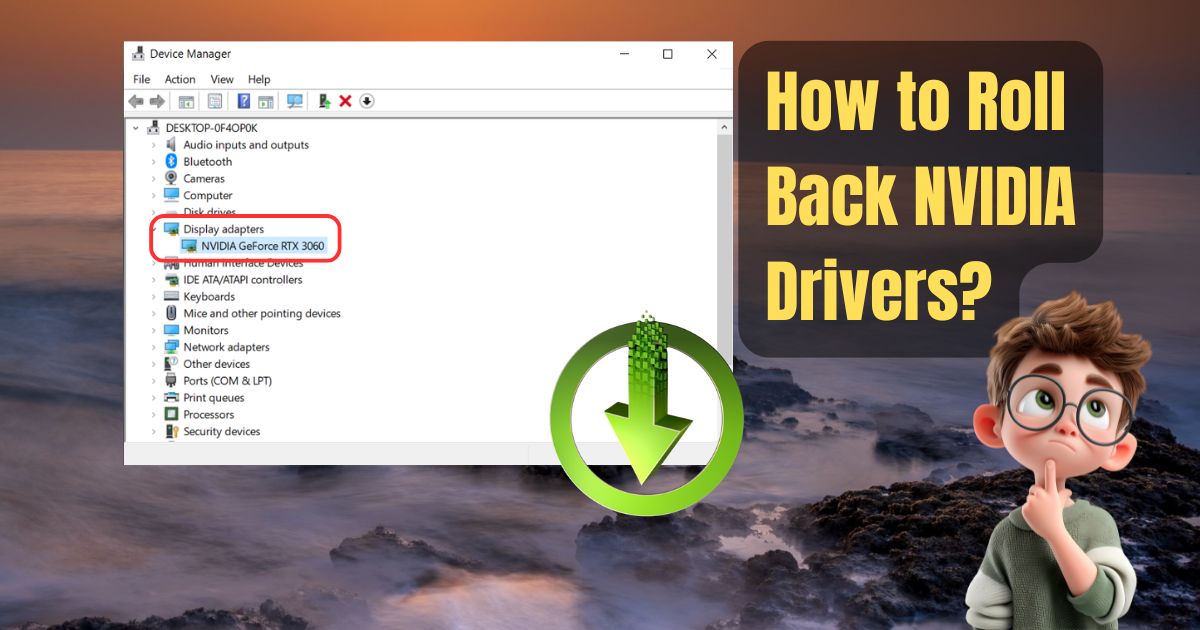
How to Roll Back NVIDIA Drivers (Step-by-Step Guide for Windows 11 and Windows 10)
Sometimes, a new NVIDIA driver update is the reason behind lower FPS in games, crashes, screen flickering, or software not working properly. In situations like these, rolling back to a…
Should I Overclock My GPU? Pros, Cons, Risks, and When It’s Worth It
Yes, overclocking your GPU is normally considered a safe option to get some free performance boost. However, you have to make sure that adequate cooling and a reliable power supply…
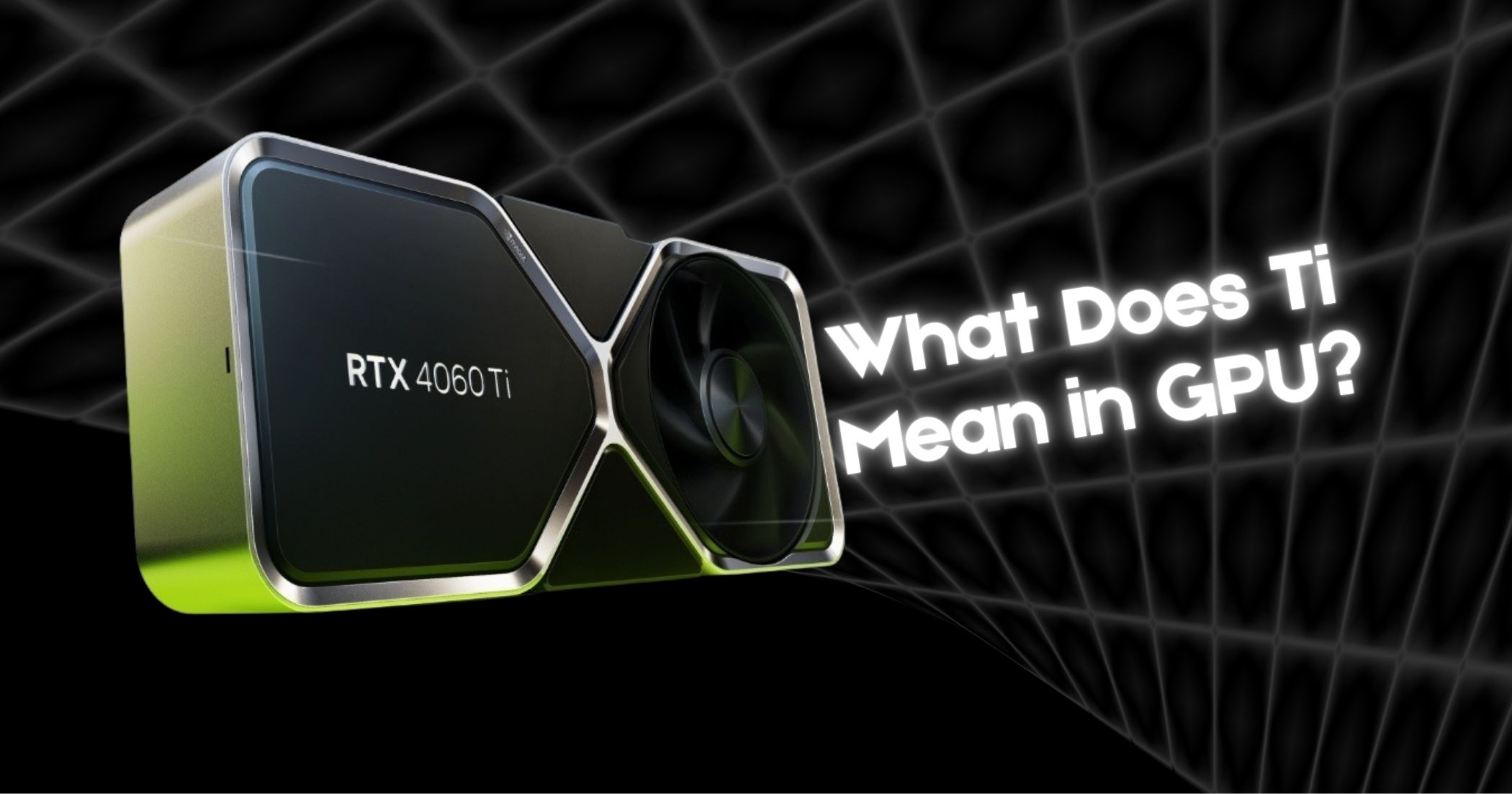
What Does Ti Mean in GPU?
In GPUs, “Ti” is a label used by NVIDIA to indicate a more powerful version of a base graphics card model. A Ti card usually sits between the standard version…