Running AI models locally has become far more accessible than it was just a few years ago. Tools like Stable Diffusion, Ollama, and LM Studio allow developers, researchers, and even enthusiasts to run powerful models on their own machines. The most important component in this setup is the GPU. While the CPU, RAM, and storage still matter, the GPU determines what models you can run, how fast they perform, and whether certain workloads are possible at all.
This guide focuses on GPUs that are actually used for AI today. It explains what makes them suitable, what their limitations are, and which one makes sense depending on your needs and budget. The goal is not to list the most expensive hardware, but to help you make a decision that will still make sense a few years from now.
Why the GPU Matters More Than Any Other Component
AI workloads rely heavily on parallel processing. GPUs are designed for this kind of work. Unlike CPUs, which typically have between 8 and 24 cores in consumer systems, GPUs have thousands of smaller cores designed to process many calculations at the same time.
For example, the NVIDIA GeForce RTX 4090 has 16,384 CUDA cores and 24GB of VRAM. This allows it to handle tasks like generating high-resolution images, running large language models, and fine-tuning smaller models locally. The amount of VRAM is especially important because it determines the size of the model you can load.
If a model requires more VRAM than your GPU has, it simply will not run, or it will run extremely slowly using system memory instead.
Understanding VRAM and Why It Is Critical
VRAM, or video memory, is the single most important specification for AI workloads. Many popular open-source models have minimum VRAM requirements.
For instance, running a 7-billion parameter language model in full precision typically requires more than 14GB of VRAM, although quantization techniques can reduce this requirement. Stable Diffusion XL, a widely used image generation model, typically requires at least 8GB of VRAM, but runs much better with 12GB or more.
GPUs with 24GB of VRAM, such as the RTX 4090, can comfortably run most open-source models available today. GPUs with 48GB or more are designed for professional workloads, including training and fine-tuning.
Choosing a GPU with more VRAM is often a better decision than choosing one with slightly faster processing speed but less memory.
NVIDIA’s Dominance in AI GPUs
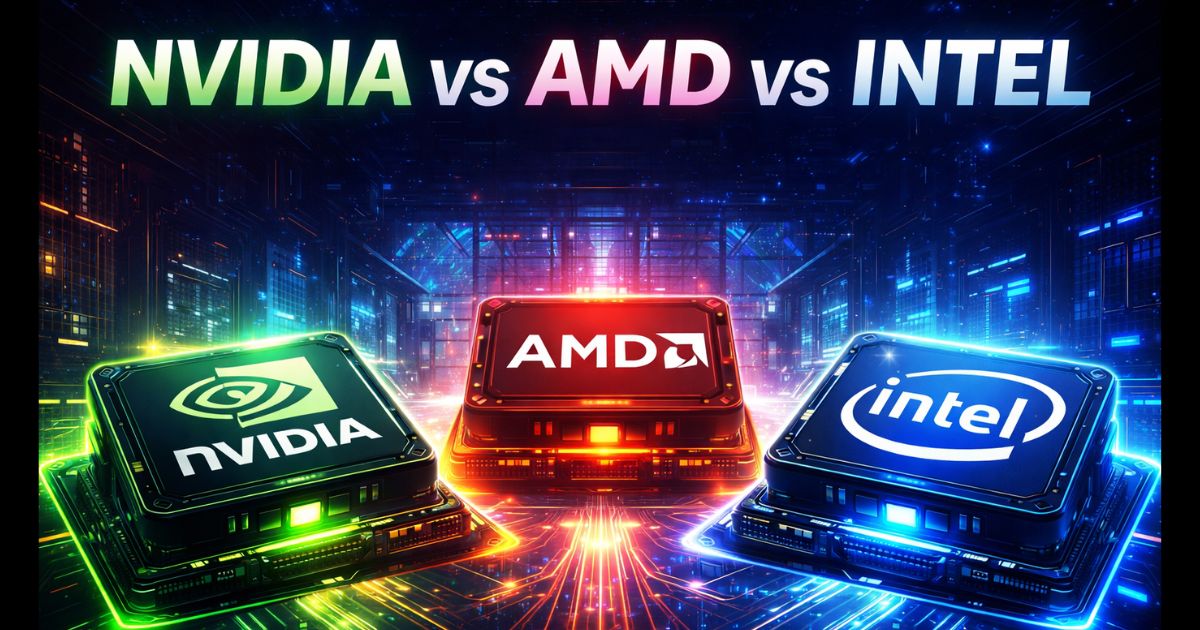
At the moment, NVIDIA GPUs remain the standard for AI work. This is largely due to CUDA, NVIDIA’s proprietary software platform that allows developers to use the GPU for general-purpose computing.
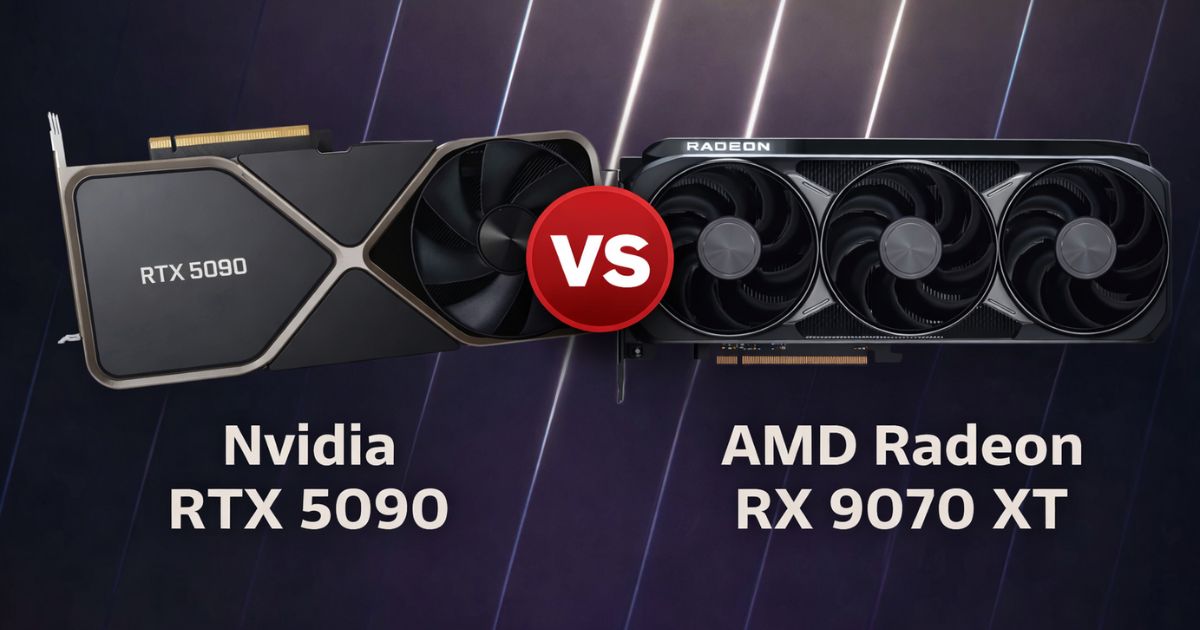
Most AI frameworks, including PyTorch and TensorFlow, are optimized for CUDA. While AMD GPUs have improved significantly and support AI workloads through ROCm, compatibility is still more limited compared to NVIDIA.
This does not mean AMD GPUs cannot run AI models, but users may encounter more setup complexity and fewer optimized tools.
NVIDIA GeForce RTX 4090
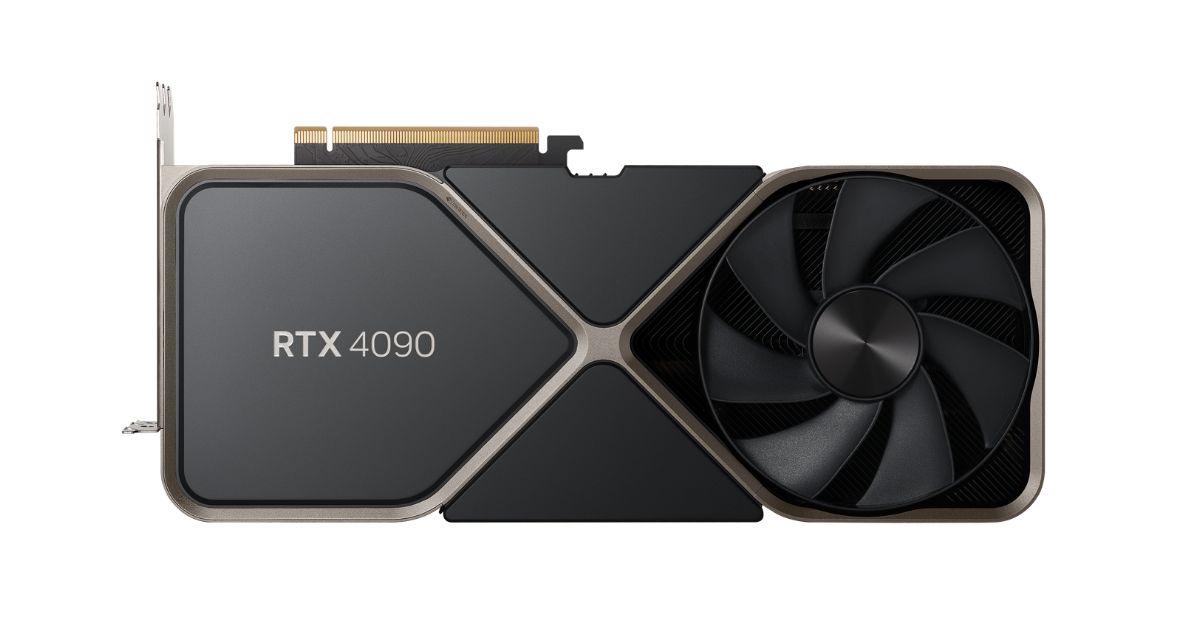
The RTX 4090 remains the most capable consumer GPU for AI workloads in 2026. It offers 24GB of GDDR6X VRAM, which is enough for running most open-source language models and image generation tools.
It is based on NVIDIA’s Ada Lovelace architecture and delivers strong performance in both training and inference tasks. Many developers use it to run models like models like Llama 3, Mistral, and Stable Diffusion locally.
One of its biggest advantages is its price-to-performance ratio compared to professional GPUs. While it is still expensive, it costs significantly less than workstation-class GPUs with similar memory capacity.
Its main limitation is power consumption. The RTX 4090 has a rated power draw of 450 watts, which means it requires a strong power supply and good cooling.
For developers who are serious about running AI locally, the RTX 4090 is widely considered the best option available in the consumer market.
NVIDIA GeForce RTX 4070 Super
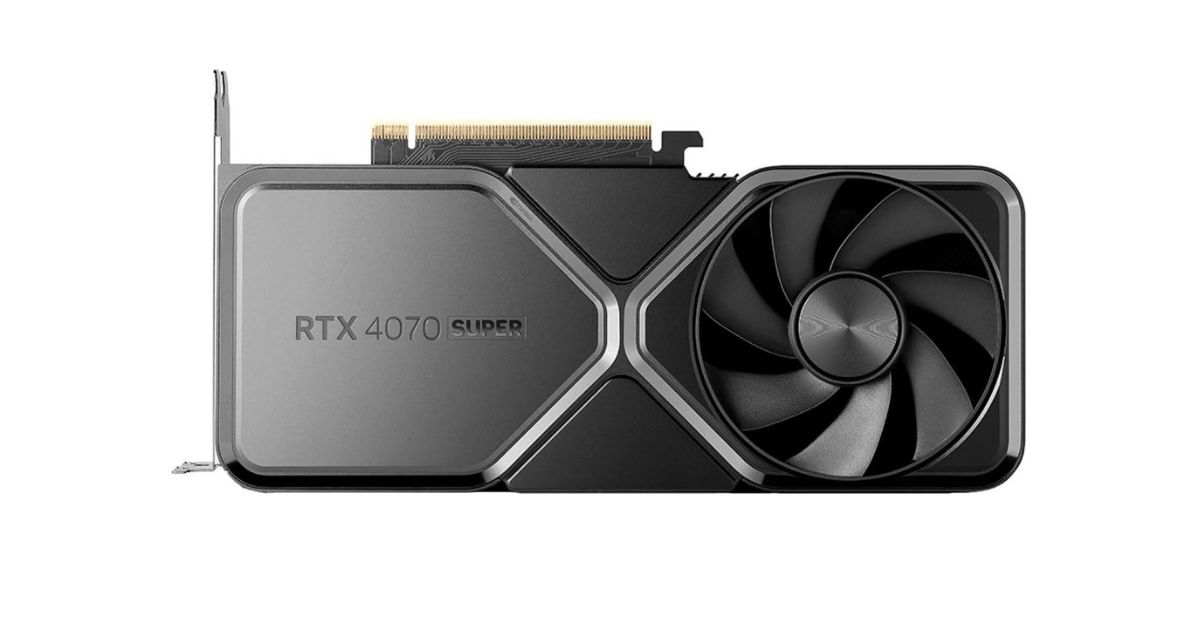
The RTX 4070 Super offers 12GB of VRAM, which makes it suitable for smaller models and inference workloads. It is capable of running Stable Diffusion and quantized language models without major issues.
However, its memory capacity limits its ability to run larger models in full precision. Users may need to rely on quantized versions of models to fit within the available VRAM.Its power consumption is much lower than the RTX 4090, typically around 220 watts, making it easier to integrate into standard desktop systems.
This GPU is a good option for beginners who want to learn and experiment with AI locally without investing in high-end hardware.
NVIDIA RTX 6000 Ada Generation
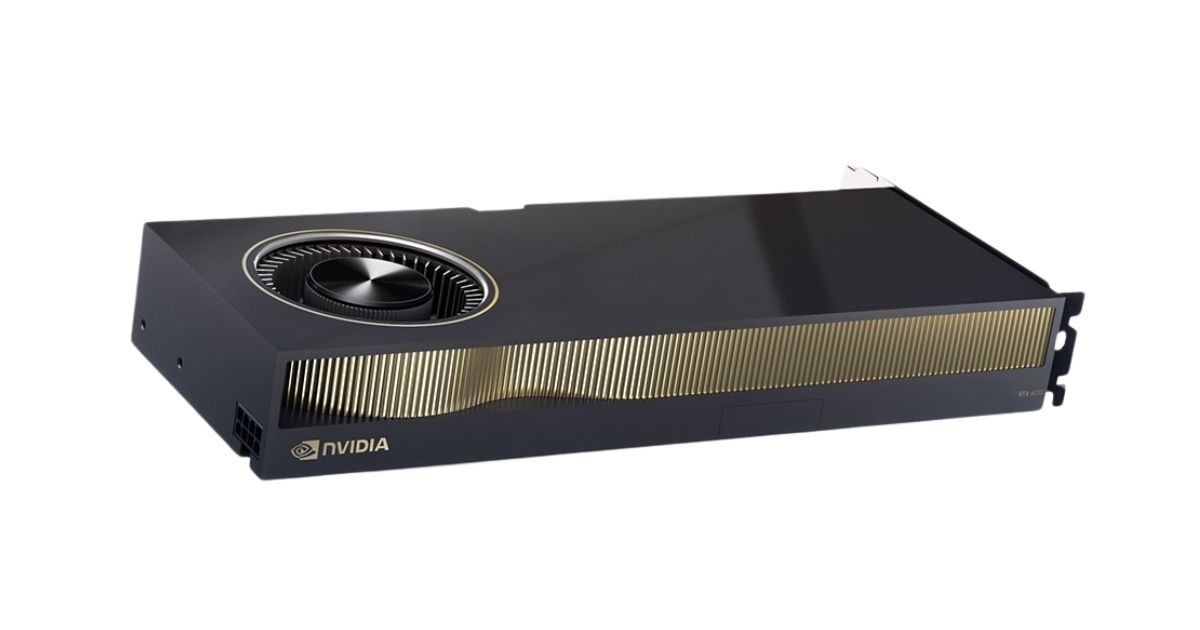
The RTX 6000 Ada Generation is a workstation GPU built for professional use. It includes 48GB of GDDR6 VRAM, which allows it to handle much larger models and datasets.
Unlike consumer GPUs, it is designed for reliability and continuous operation. It also supports enterprise drivers and features that are important for professional environments. This GPU is commonly used in research labs, studios, and companies developing AI applications.
Its main disadvantage is cost. It is significantly more expensive than consumer GPUs, and its performance advantage does not always justify the price for individual users.
However, its large memory capacity makes it useful for workloads that consumer GPUs cannot handle.
NVIDIA H100
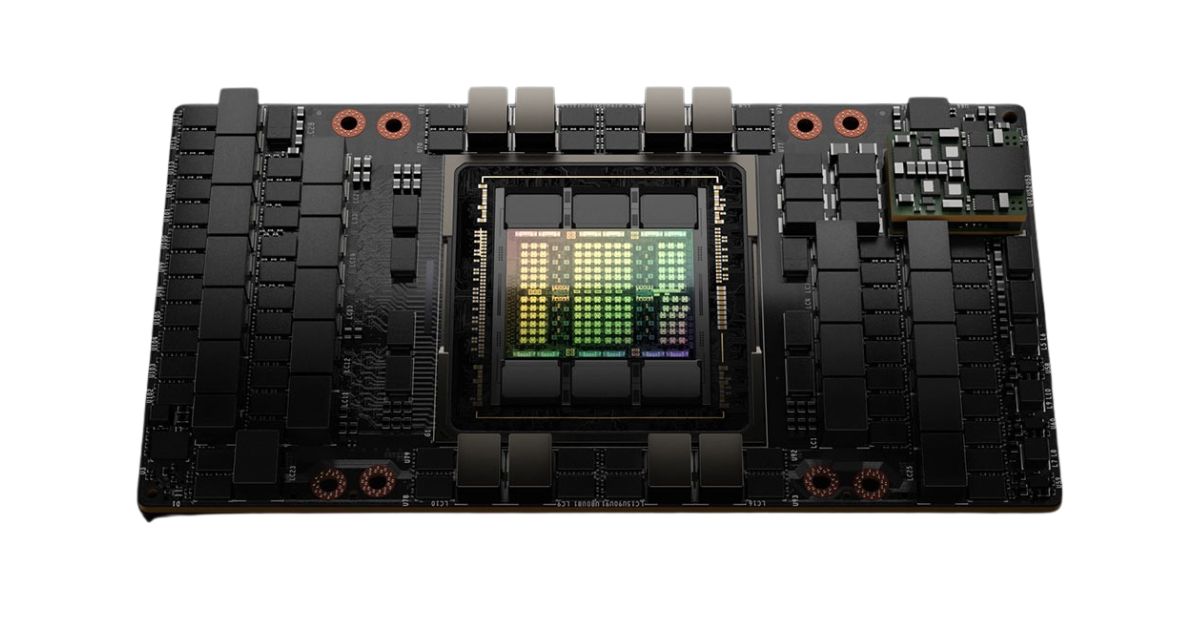
The NVIDIA H100 is designed for data centers and large-scale AI training. It includes up to 80GB of HBM3 high-bandwidth memory and is used by major AI companies and cloud providers.
It is not intended for individual users. It requires specialized servers, cooling, and infrastructure. However, it plays a central role in training large language models and other advanced AI systems.
Training vs Inference: What Most People Actually Need?
Training a model involves adjusting its internal parameters using large datasets. This requires significant computing power and memory.
Inference, on the other hand, means running a trained model to generate outputs. This requires much less power. Most users who run AI locally are performing inference, not training.
For inference, GPUs with 12GB to 24GB of VRAM are usually sufficient. Training large models locally is still difficult and expensive, and most organizations use cloud infrastructure for this purpose.
Power, Cooling, and System Requirements
High-performance GPUs require proper system support. The RTX 4090, for example, requires a large case, a high-quality power supply, and good airflow.
Without proper cooling, the GPU may reduce its performance to avoid overheating. It is also important to have enough system RAM. At least 32GB of system memory is recommended for most AI workloads. Storage speed also matters, and fast NVMe SSDs can reduce model loading times significantly.
Choosing the Right GPU Based on Your Needs
The right GPU depends on what you plan to do.
- Users who want to experiment and learn can start with a GPU like the RTX 4070 Super.
- Developers who want to run advanced models locally will benefit from the RTX 4090.
- Professional users working with large datasets may require workstation GPUs like the RTX 6000 Ada.
- Enterprise-level training typically requires data center hardware like the H100.
Buying the most expensive GPU is not always necessary. Choosing the right balance between VRAM, performance, and cost is more important.
FAQs
Yes. Many consumer GPUs, especially those with 24 GB of VRAM like the NVIDIA GeForce RTX 4090, can run large language models locally, particularly when models are quantized to reduce memory usage. GPUs with sufficient VRAM are crucial because the model must fit into memory to run efficiently.
Yes. VRAM determines whether a model can actually fit and run on a GPU. Even a GPU with many processing cores won’t work for larger models if the VRAM is too small, and performance drops sharply when memory overflows to system RAM.
AMD GPUs can run AI workloads, but support and optimisation are not as widely adopted as NVIDIA’s CUDA ecosystem. Many AI frameworks are designed to work best with NVIDIA GPUs, so compatibility and performance can be easier on NVIDIA hardware for most users.