AI is the buzzword of every smartphone launch these days. Today, everything on smartphones is said to be backed by AI, whether it’s the camera, voice, editing, or even storage management. While it all sounds quite intriguing, the one question that remains is that, amongst everything claimed, what AI is actually happening on the phone itself, and where the cloud is taking over.
The truth is, smartphone AI today is a mix of both. Some features run fully on the device, while some depend on the cloud. Understanding this split helps set realistic expectations and also explains why certain AI features behave the way they do. So let’s get into it.
Why Smartphones Use Both On-Device and Cloud AI
Let’s understand why there is a split in the first place. These days, smartphones have become quite potent, but they still have some limitations. Since smartphones are very small devices, they have constraints when it comes to battery life, heat, memory, and sustained performance. All these factors put a cap on how much AI work a phone can handle locally.
Yes, today smartphones do come with NPU chips, which are designed to perform AI tasks. But the Large AI models require a lot of memory and continuous processing power. So running them entirely on a phone would drain the battery quickly and generate heat that a slim device simply cannot manage. That is why companies rely on cloud servers for heavier AI tasks.
AI Features That Run Directly on the Phone

Do you know that some of the features that you use hundreds of times daily on your smartphone are backed by AI. For example, camera processing like Scene detection, HDR, noise reduction, night mode, and portrait effects all rely on AI models that are optimised to run locally.
Face unlocking is another clear case. Your phone compares your face data locally using secure hardware and AI models stored on the device. This process does not need an internet connection and happens instantly.
Apart from that, basic voice processing also runs on-device. Wake word detection and simple voice commands are handled locally so that your phone can respond quickly and work even when the network is weak.
AI Features That Depend on the Cloud

The majority of the advanced AI features usually rely on cloud processing. It includes large language models used for chat-based assistants, advanced image generation, complex photo editing, and AI-powered search features.
These tasks require much larger models and more computing power than a smartphone can provide. So instead of pushing the phone hardware too far, companies process these requests on powerful servers and send the results back to the device.
This is also why many AI features stop working or become limited when your internet connection is poor or unavailable.
The Role of Smartphone Hardware in AI Processing
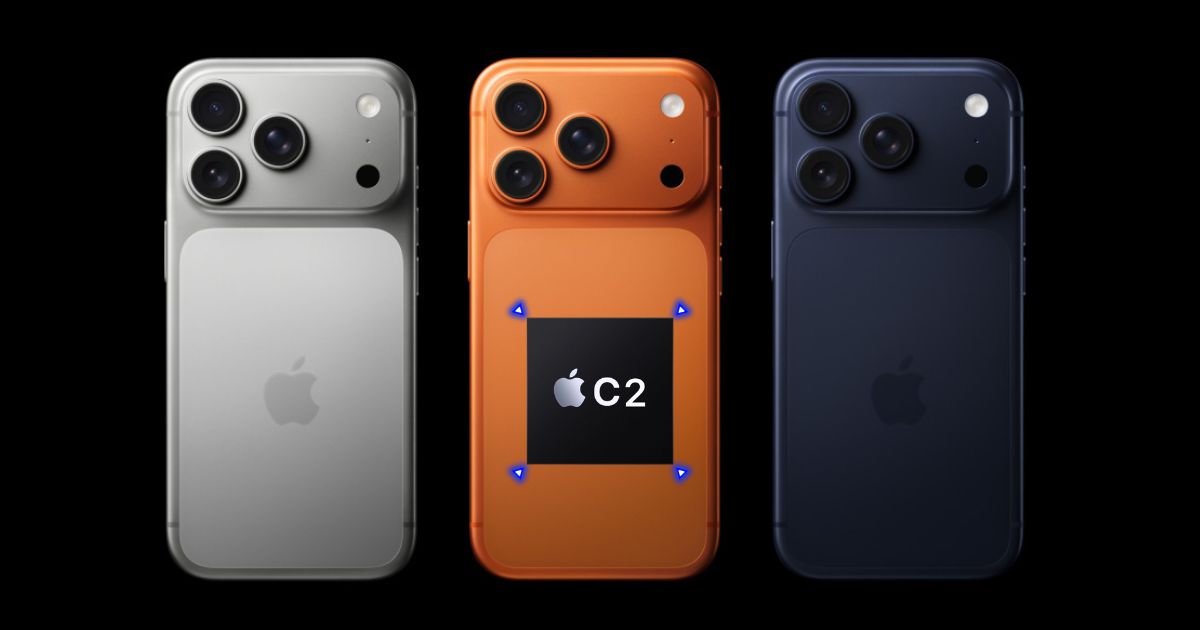
These days, the majority of smartphones come with a dedicated AI hardware, often called an NPU or AI engine. This hardware is designed to run AI tasks efficiently without putting too much load on the CPU or GPU.
Phones with stronger AI hardware can run more tasks locally and do them faster while using less battery. Older phones or budget devices may still support AI features, but they rely more heavily on cloud processing.
As a result, you must have noticed that newer phones feel more responsive when using AI features, even if the overall performance difference is quite small.
Speed, Battery, and Privacy Trade-Offs
| Aspect | On-Device AI | Cloud AI |
| Speed | Faster response since everything happens on the phone | Can feel slower due to internet latency |
| Internet | Works without an internet connection | Requires a stable internet connection |
| Battery Usage | More efficient for small, real-time tasks | Saves phone battery but uses network data |
| Privacy | Data stays on the device | Data is processed on remote servers |
| AI Capability | Limited to smaller, specialised tasks | Can handle complex and powerful AI tasks |
| Reliability | Works even in poor network conditions | Performance depends on network quality |
What This Means for Everyday Smartphone Users
For normal users, the key takeaway is simple. Your phone already does a lot of AI work on its own, especially for cameras, security, and system features. More advanced AI experiences usually involve the cloud, even if it is not always obvious.
You do not need to worry about where every AI task runs. But understanding the difference helps explain why some features need internet access, why newer phones feel smarter, and why AI is not always instant.
FAQs
Camera enhancements like object removal and generative editing, real-time translation, personalized health coaching, battery optimization, and virtual assistants for tasks are some of the common AI features on smartphones.
Galaxy AI uses a hybrid approach, with many features like photo editing and live translation running on-device via the phone’s NPU, while others, such as advanced summarization, require cloud processing.
AI is used to make smartphones faster, smarter, and more responsive. It helps with real-time tasks while also enabling advanced features through cloud-based AI when needed.
AI uses the cloud when tasks require high computing power. In these cases, the phone sends data to remote servers, processes it there, and receives the result back.