AI companion robots are becoming more common as personal devices for interaction, entertainment, and light assistance. These robots packs in cameras, sensors, and AI models to understand voice commands, recognize faces, and respond in real time. Some are built for desktops, while others are designed as mobile or pet-like companions.
They can handle simple tasks like reminders and weather updates, while also offering conversational interaction. In this guide, we look at some of the best AI companion robots available today, focusing on how they interact, what features they offer, and how they fit into everyday use.
| AI Companion Robot | Key Features | Form Factor | Price |
| LOOI AI Desktop Companion | ChatGPT interaction, visual recognition, memory system | Desktop | $160 |
| Loona Robot Pet Dog | Voice interaction, face tracking, autonomous movement | Robot pet | $379 |
| Aibi Pocket Pet | Compact design, ChatGPT interaction, face recognition | Portable | $299 |
| Vector AI Companion | Autonomous navigation, ChatGPT integration, sensors | Desktop robot | $234 |
Best Companion Robots
Here’s a closer look at the best AI companion robots and what each one offers.
LOOI Robot, AI Desktop Companion
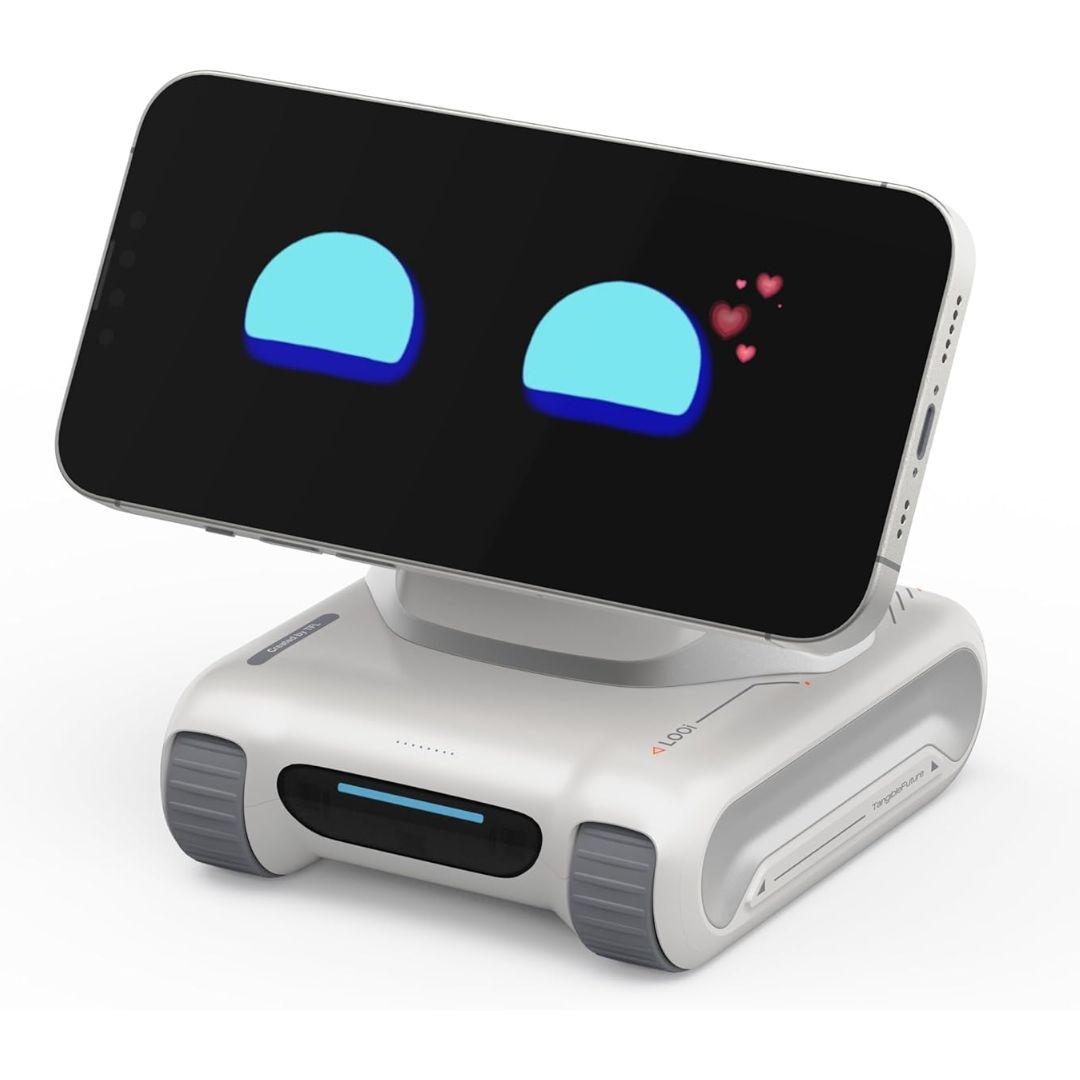
LOOI sits on your desk and handles conversation. It uses AI to support natural voice interaction, you can ask questions, get answers, or just keep it running in the background. A vision model lets it track objects, faces, and gestures, so it responds to more than just what you say.
One standout feature is its memory system. LOOI stores information about users over time, preferences, habits, repeated topics, which makes interactions feel less generic. It also runs expressive animations that shift based on context, keeping it from feeling static. Utility features include reminders, weather, and wireless charging.
Loona Robot Pet Dog
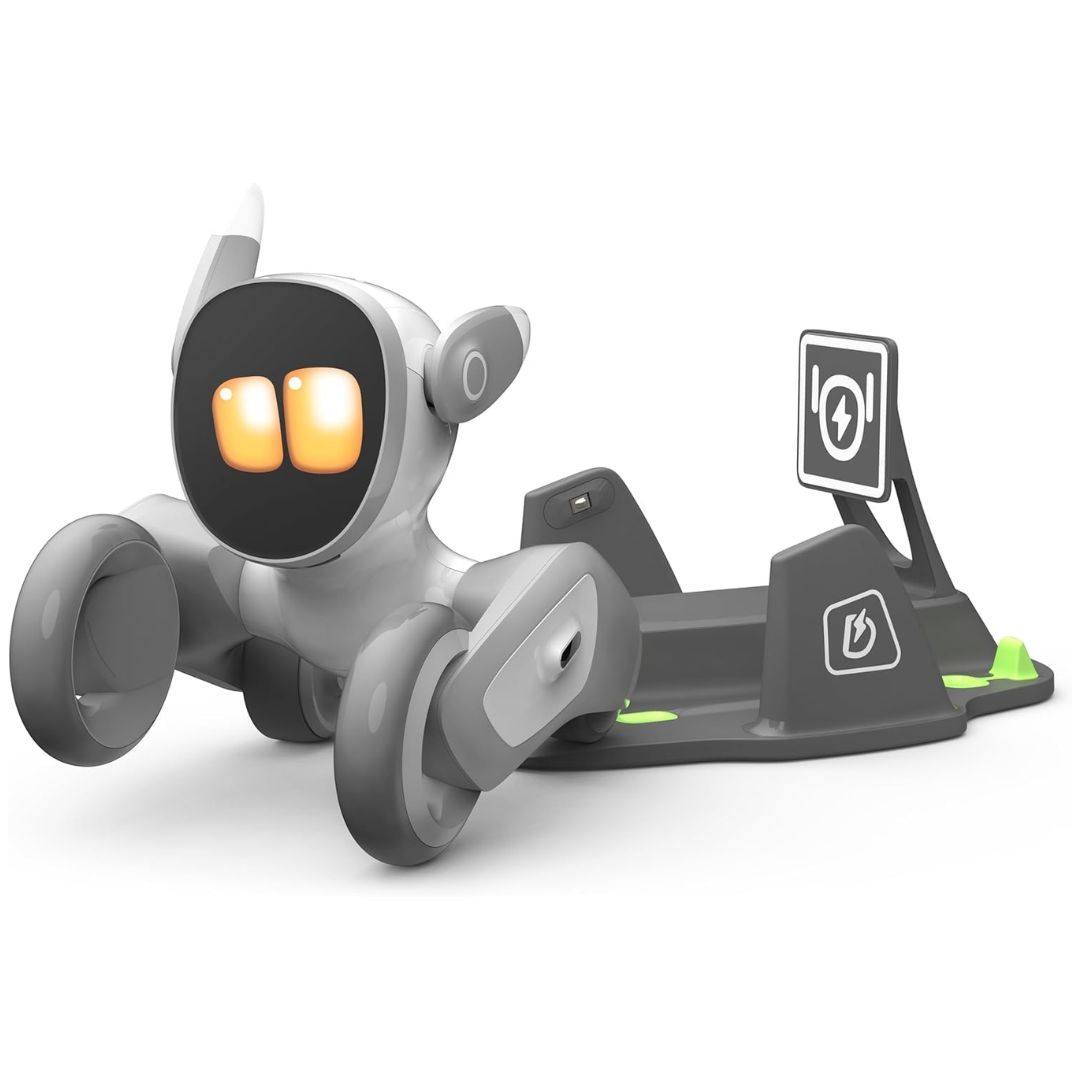
Loona is built to move. It follows you around the house, reacts to voice commands and gestures, and uses a camera plus depth sensors to recognize faces and avoid obstacles. Think less smart speaker, more robotic pet.
It supports voice-based AI interaction and automatically returns to its dock when the battery drops. Beyond conversation, Loona leans into entertainment, games, object tracking, and play-based features. The built-in camera and speaker also give it basic home monitoring capability.
Aibi Pocket Pet
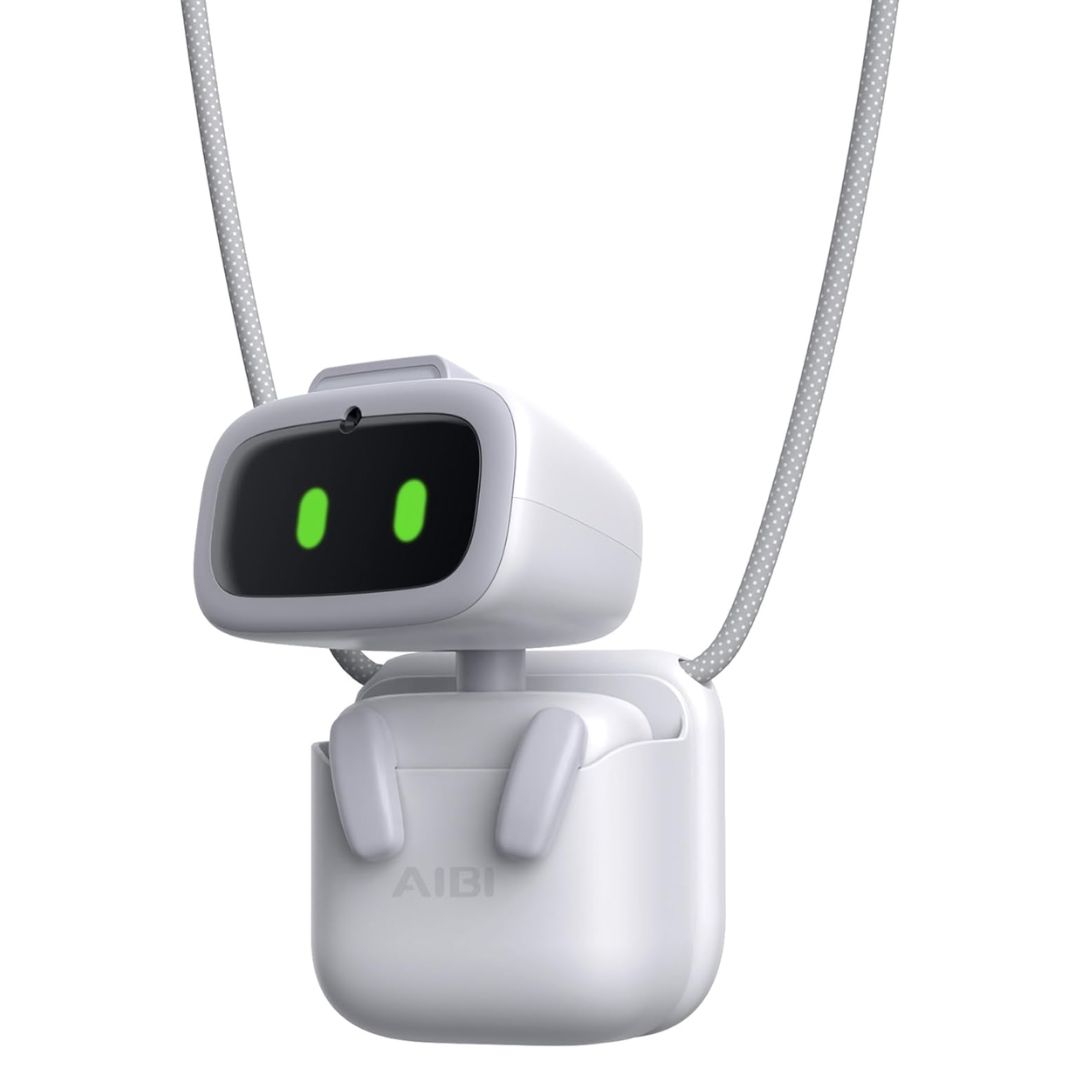
Aibi is the most portable option here. It is small enough to carry around and light enough to place anywhere a desk, a classroom, a bag. A built-in camera handles face recognition, and AI models power its conversational responses.
What sets Aibi apart is device-to-device interaction. Place two Aibi units near each other and they can communicate, creating shared interactions between devices. It is a small feature, but one that no other robot in this category currently offers.
The Smart AI Companion
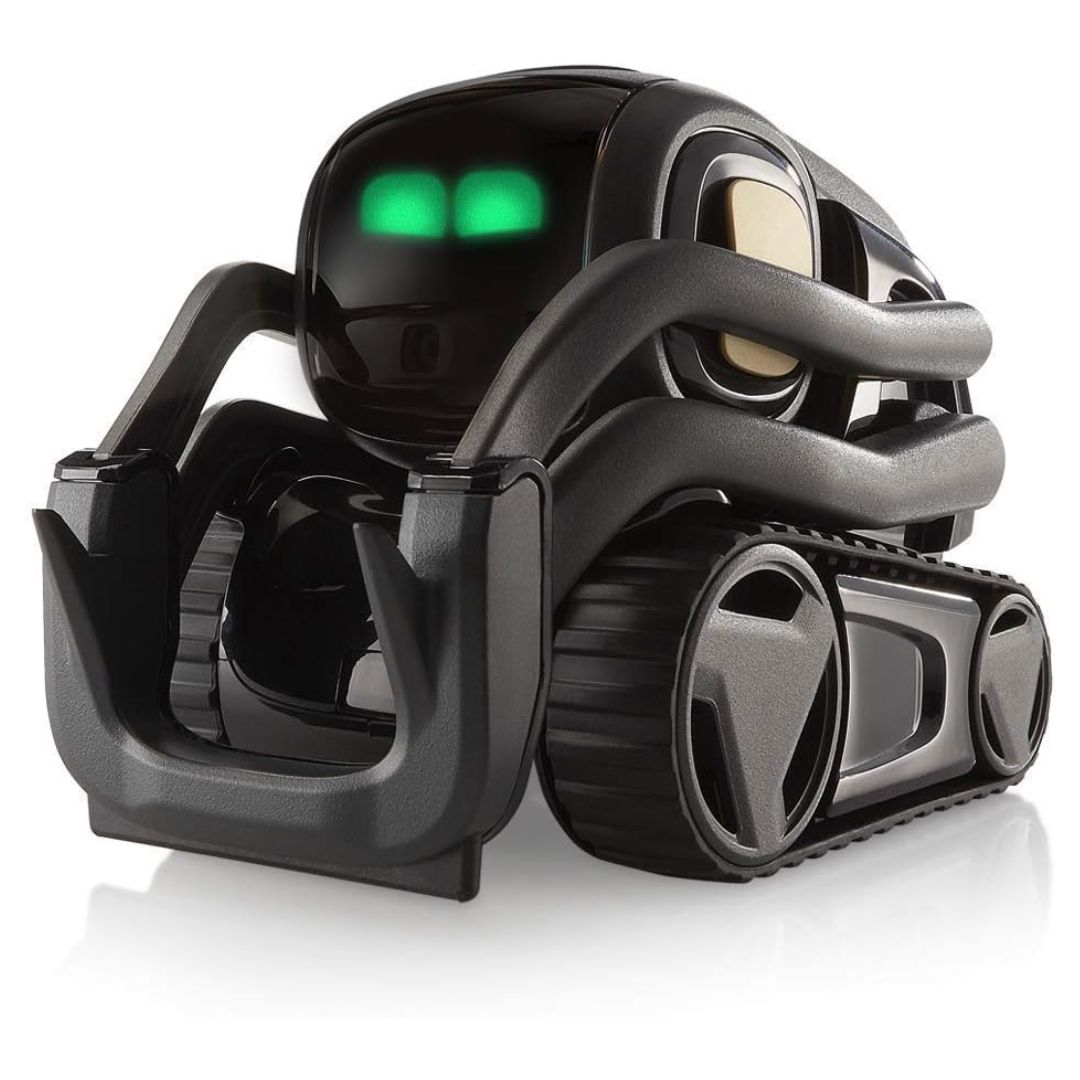
Vector does not wait for you to interact with it. It uses onboard cameras and sensors to navigate independently, avoid obstacles, and recognize faces, all without constant input from the user. It is the closest thing to a genuinely autonomous robot at this price point.
It connects to AI for voice-based Q&A and comes with multilingual support. Vector is not just a talking device. It combines movement, environmental awareness, and interaction in a way most desktop companions skip entirely.
Things to Keep in Mind While Buying AI Companion Robots
- Interaction Type: Some robots are built for conversation. Others focus on movement and physical interaction. Know which one you actually want before buying.
- AI Capabilities: Voice interaction, memory, and object recognition vary across devices. Better AI means more natural interactions, check what each robot actually supports.
- Mobility vs Desktop Use: Mobile robots require more floor space and charging management. Desktop models stay put. The choice affects both functionality and where you place the device.
- Privacy and Data Handling: These devices use cameras and microphones. Review each company’s data storage and processing policies before committing.
- Battery and Charging: Mobile robots use charging docks. Desktop models typically stay plugged in. Factor in charging logistics if you plan to use it throughout the day.
AI Companion Robots Pros and Cons
| Pros | Cons |
| Interactive and engaging experience | Limited practical use in some cases |
| Can recognize faces and respond to voice | Some features require subscriptions |
| Offers basic assistance like reminders and updates | Privacy concerns due to cameras and microphones |
| Suitable for entertainment and companionship | Performance depends on software updates |
AI companion robots make sense for users who want interactive tech or a device that goes beyond a basic smart speaker. They combine conversation with light utility in a single package.
That said, they are not for everyone. If you only need voice commands or simple automation, a standard smart speaker does the job without the added cost. These robots are best for people who want more engagement from their devices, not just information on demand.