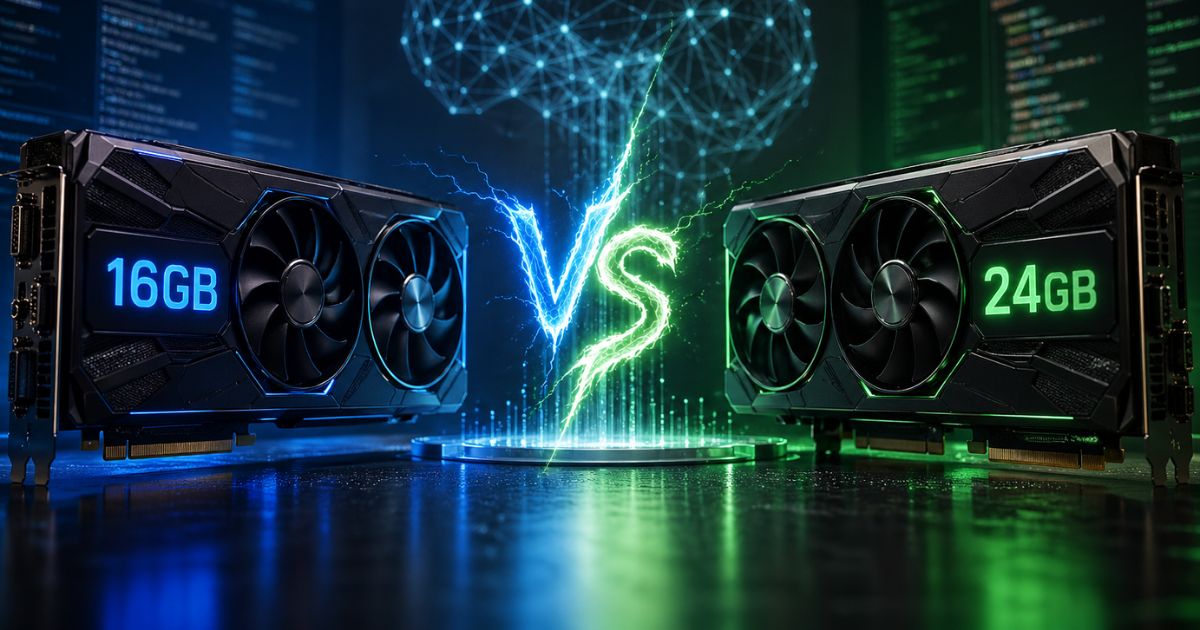
If you are in the market looking for a new PC or upgrading your current rig, you must have come across two similar sounding terms, RAM and VRAM. While both represent the temporary memory, which is important for the overall speed of the computer. They both have a completely different roles. System RAM feeds data to your central processor (CPU) for general application tasks, while VRAM is dedicated entirely to your graphics card (GPU) for rendering images, video, or running AI models.
That’s why its important to understand the difference between VRAM vs RAM. Misjudging your memory needs can lead to bottlenecked gaming performance, stuttering video edits, or an inability to run modern AI tools.
What Is RAM?
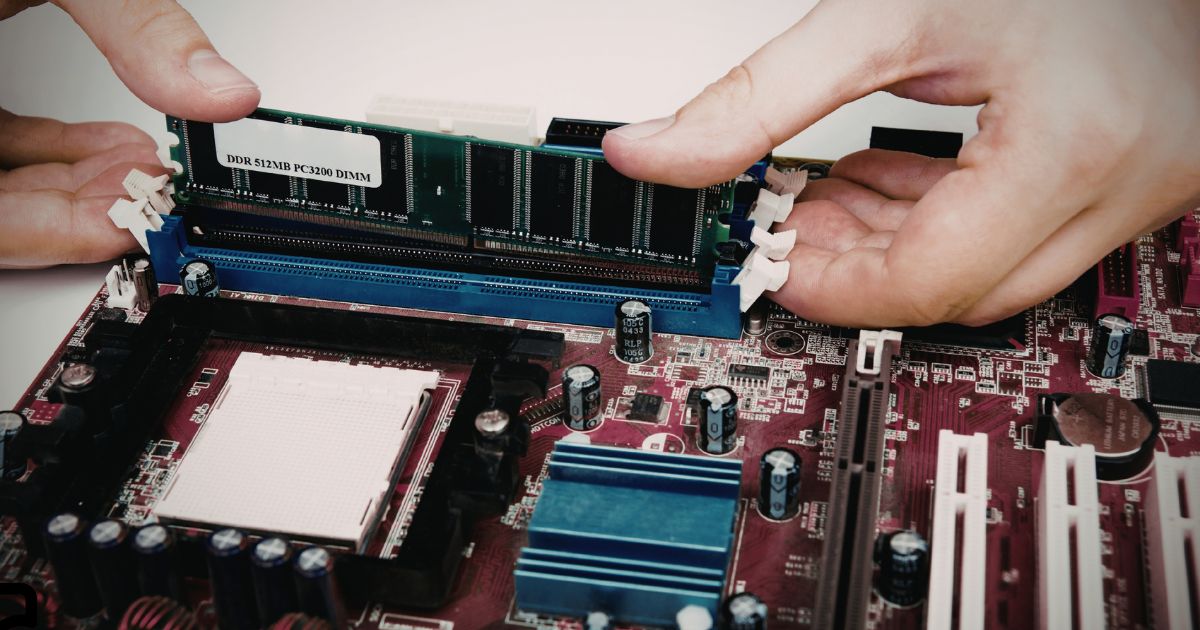
Random Access Memory, or as we know it RAM is the primary working memory of a computer. It temporarily stores data that the processor needs to access quickly while running programs or operating the system.
What Does RAM Do in a Computer?
RAM stores the data of an active program that is already running on the computer. For example, when we open a web browser, edit a document, or run a software, the system loads all the necessary data required for that task into RAM so the CPU can access it quickly.
If in case the computer does not have enough RAM, it starts using slower storage like SSD or a hard drive space as a virtual memory. Which can result in a massive slow down on the system.
How RAM Works?
RAM is a volatile memory that only stores the data while the computer is on. Once the system shuts down all the data stored in the RAM is cleared.
So when an app runs, the operating system loads its instructions and data into RAM. The CPU then reads and writes information to RAM at high speed, which allows programs to run smoothly without constantly accessing slower storage drives.
Common Types of RAM (DDR4, DDR5)
Today computers mainly use DDR (Double Data Rate) memory.
- DDR4 RAM has been used in desktops and laptops for several years. It offers good performance and is common in systems built before 2023.
- DDR5 RAM is the newer generation. It gives higher bandwidth, better efficiency, and higher maximum capacities compared to DDR4.
DDR5 is becoming the standard in newer PCs, especially in gaming and high-performance systems.
What Is VRAM?
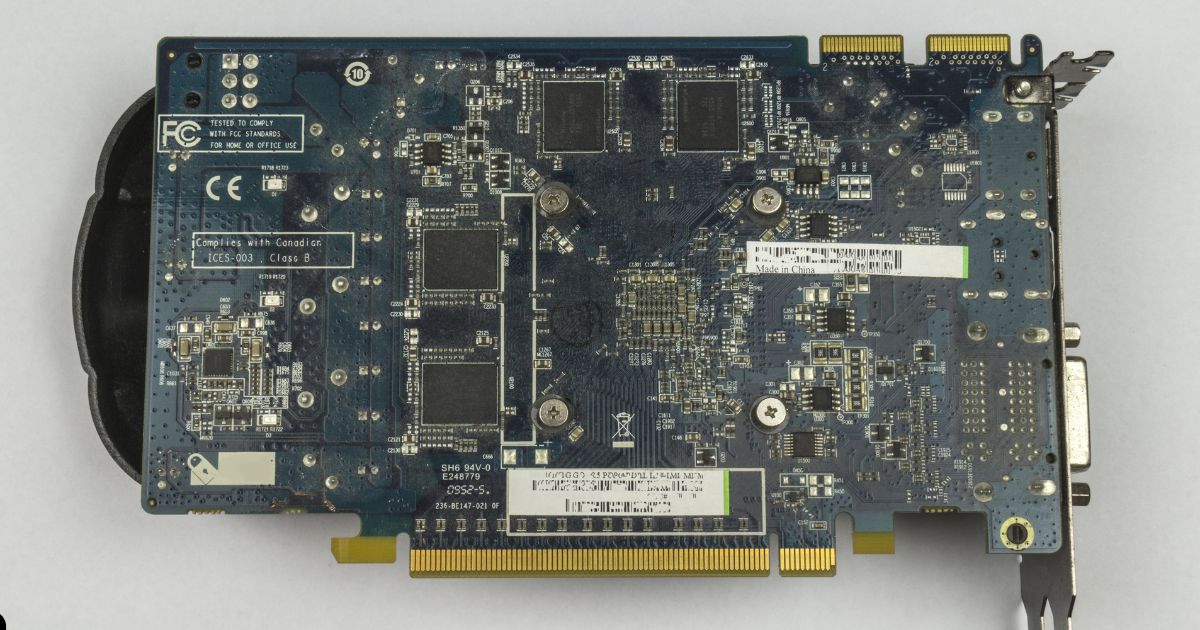
VRAM stands for Video Random Access Memory. It is a type of memory specifically used by a GPU to store visual data. Unlike system RAM, VRAM focuses on handling graphics workloads like textures, images, frame buffers, and 3D models.
What Does VRAM Do in a GPU?
VRAM stores the data needed to render images and video frames on your screen. When you run a game or a graphics-heavy application, the GPU loads textures, geometry data, and frame buffers into VRAM.
The GPU then processes this data to generate the final image that appears on the display.
Having enough VRAM allows the GPU to store larger textures and higher-resolution assets, which is important for modern games, 3D rendering, and AI workloads.
How VRAM Works?
VRAM sits directly on the graphics card and is connected to the GPU through a very high-bandwidth memory interface.
Because graphics workloads need moving large amounts of data quickly, VRAM is designed to deliver much higher bandwidth than system RAM. This allows the GPU to process large textures, complex scenes, and high-resolution frames without bottlenecks.
If a GPU runs out of VRAM, it may start using system RAM, which can cause performance drops or stuttering in games and applications.
Common Types of VRAM (GDDR6, GDDR6X, HBM)
Different GPUs use different types of video memory.
- GDDR6 is the most common type used in modern graphics cards from both NVIDIA and AMD.
- GDDR6X is a faster version used in some high-end GPUs. It offers higher bandwidth for demanding workloads.
- HBM (High Bandwidth Memory) is used in specialized GPUs and professional hardware. It provides extremely high bandwidth and is commonly found in data center or AI-focused accelerators.
VRAM vs RAM
Despite both the RAM and VRAM store data temporarily, they are designed for different tasks and operate in different parts of a computer.
| Feature | RAM | VRAM |
| Full Name | Random Access Memory | Video Random Access Memory |
| Primary Use | Handles general system tasks | Handles graphics processing |
| Connected To | CPU | GPU |
| Typical Location | On the motherboard | On the graphics card |
| Common Types | DDR4, DDR5 | GDDR6, GDDR6X, HBM |
| Typical Capacity | 8GB to 64GB in consumer PCs | 4GB to 24GB in GPUs |
Purpose and Function
RAM is the generalist. It manages the logistics of your entire system, keeping Windows, background apps, and software running smoothly. On the other hand, VRAM is the specialist. It focuses only on feeding complex visual geometry and high-resolution textures to the graphics chip to put images on your monitor.
Speed and Bandwidth
System RAM is designed for low latency. The CPU needs to make millions of tiny, unpredictable requests, so RAM needs to answer incredibly fast. VRAM is designed for massive bandwidth. The GPU needs to load big blocks of predictable data (like a 4K texture file) all at once, so VRAM acts like a massive multi-lane highway to deliver it in bulk.
Capacity Differences
Because general computing needs a lot of background management, system RAM capacities are generally larger. 16GB or 32GB of RAM is becoming starting for a new PC these days. However, VRAM capacities are usually smaller, typically ranging from 8GB on budget graphics cards up to 24GB on the most expensive consumer models.
How Each Affects Performance
A shortage of RAM causes your entire computer to freeze, applications to crash, or web browser tabs to reload constantly. A shortage of VRAM results in severe frame rate drops in games, blurry textures that fail to load, or software errors when trying to export a 4K video or load a generative AI model.
How VRAM and RAM Work Together?
Your computer relies on a pipeline where RAM and VRAM work as a team. When you launch a video game, the game data is pulled from your SSD into your system RAM. The CPU processes the game’s logic using the RAM.
Then, the CPU packages the visual assets and sends them over to the graphics card, where they are stored in the VRAM. Finally, the GPU pulls from the VRAM to render the final image you see on screen. If either your RAM or your VRAM is too full or too slow, the entire pipeline bottlenecks.
How Much RAM and VRAM Do You Need?
Well there is no one clear answer. As the amount of memory you will need depends on the type of work you do. Lets say if you are casual user who uses computer for web browsing or office work, in that case you don’t have to even think about VRAM. However, to get a smooth experience in your day to day chores make sure to aim for atleast 16GB of RAM.
Now if you are into gaming then 16GB is the baseline, but lately 32GB is becoming the new standard for modern titles. When it comes to VRAM you will need atleast 8GB of it for the 1080p gaming. But if you play 1440p then aim for 16GB and 24GB if you are into 4K gaming.
When it comes to video editing of 3D rendering, you will need 32GB to 64GB of system RAM to handle large project timelines smoothly. For your graphics card, 12GB to 16GB of VRAM is ideal so you can view real-time playback of high-resolution effects and color grading without dropping frames.
If you want to run large language models (LLMs) or image generators like Stable Diffusion locally on your machine, VRAM is king. These models must be loaded entirely into the graphics card’s memory to run efficiently. You need an absolute minimum of 12GB of VRAM, but AI developers strongly recommend GPUs with 16GB or 24GB of VRAM. You should pair this with at least 32GB of system RAM.
Can You Increase VRAM or RAM?
In majority of the desktop computers it is possible to increase the system RAM. However, its not true when it comes to the laptops. As not all laptops allows to increase the system RAM.
When it comes to VRAM, it is not possible to upgrade it. As the VRAM chips are permanently soldered onto the graphics card to maintain their ultra-fast connection to the GPU. So the only way to get more VRAM is to completely replace your graphics card with a more powerful model.
Do keep in mind that systems using Apple Silicon, like the M-series Macs, use “Unified Memory,” meaning the RAM and VRAM are shared from the same un-upgradable pool.
Which One Matters More?
RAM and VRAM serve different purposes, so neither is universally more important than the other.
For general computing and multitasking, having enough RAM is important. Without sufficient RAM, even basic tasks can run slowly. However, when it comes to gaming, 3D work, or AI workloads, VRAM becomes important because the GPU relies on it to store textures, models, and rendering data.
In most modern PCs, balanced hardware is the best approach. Adequate system RAM ensures smooth application performance, while sufficient VRAM allows the GPU to handle demanding graphics workloads without bottlenecks.
FAQs
Neither is universally better, it depends on your tasks. More system RAM helps multitasking and CPU operations, while more VRAM benefits graphics-heavy work like gaming or AI rendering.
12 GB VRAM should suffice for 4-5 years at 1440p or 4K with adjusted settings in most games and AI tasks as of 2026. It may struggle with ultra settings in VRAM-intensive titles beyond 2028-2030.
8 GB VRAM works for 1080p gaming and basic tasks in 2026, especially with AI upscaling like DLSS. It’s often insufficient for 1440p/4K ultra or heavy AI without compromises.
The NVIDIA GeForce RTX 5090 features 32 GB GDDR7 VRAM for gaming and AI. Workstation options like Intel Arc Pro B70 also have 32 GB.