A few years ago, a laptop was just a laptop. But now we have “Copilot+ PCs,” “AI-enabled” chips, Neural Processing Units, and a lot more. It is confusing, and frankly, you suddenly start to feel that your regular laptop has become obsolete. So, to clear all the confusion, I have detailed this article around AI Laptops vs Normal laptops, which will help you decide whether you really need a laptop in 2026 or not.
What is an AI Laptop?
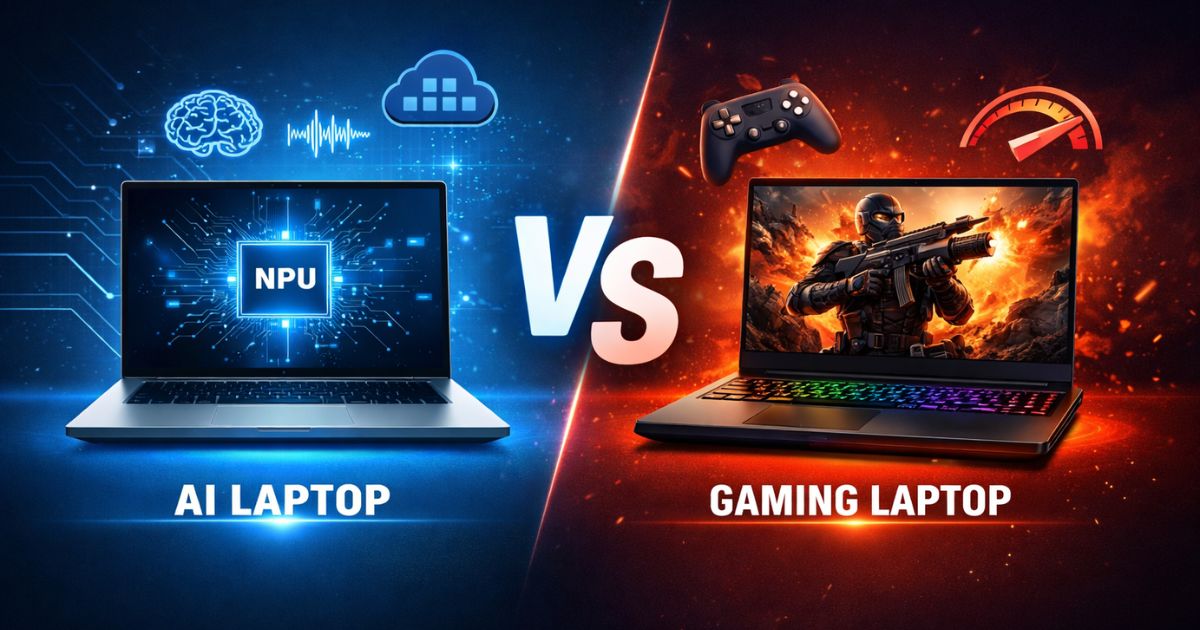
An AI laptop is defined by one piece of hardware: the NPU (Neural Processing Unit). While your traditional laptop relies on a Central Processing Unit (CPU) for general tasks and a Graphics Processing Unit (GPU) for visuals, an AI laptop adds a third chip dedicated to AI tasks. It is different from running ChatGPT in your browser; this chip can run AI models locally on the device without needing to send your data to the cloud.
However, simply having an NPU doesn’t automatically make a laptop an “AI Laptop” in the eyes of marketing departments. To truly earn the badge in 2026, the device usually needs to meet specific performance benchmarks set by Microsoft or Apple. It needs a processor capable of handling heavy AI workloads instantly, preserving your battery life while doing so.
If your laptop relies solely on the cloud to answer a question or edit a photo, it is just a normal laptop with an internet connection.
Copilot+ PCs: Microsoft’s New Standard
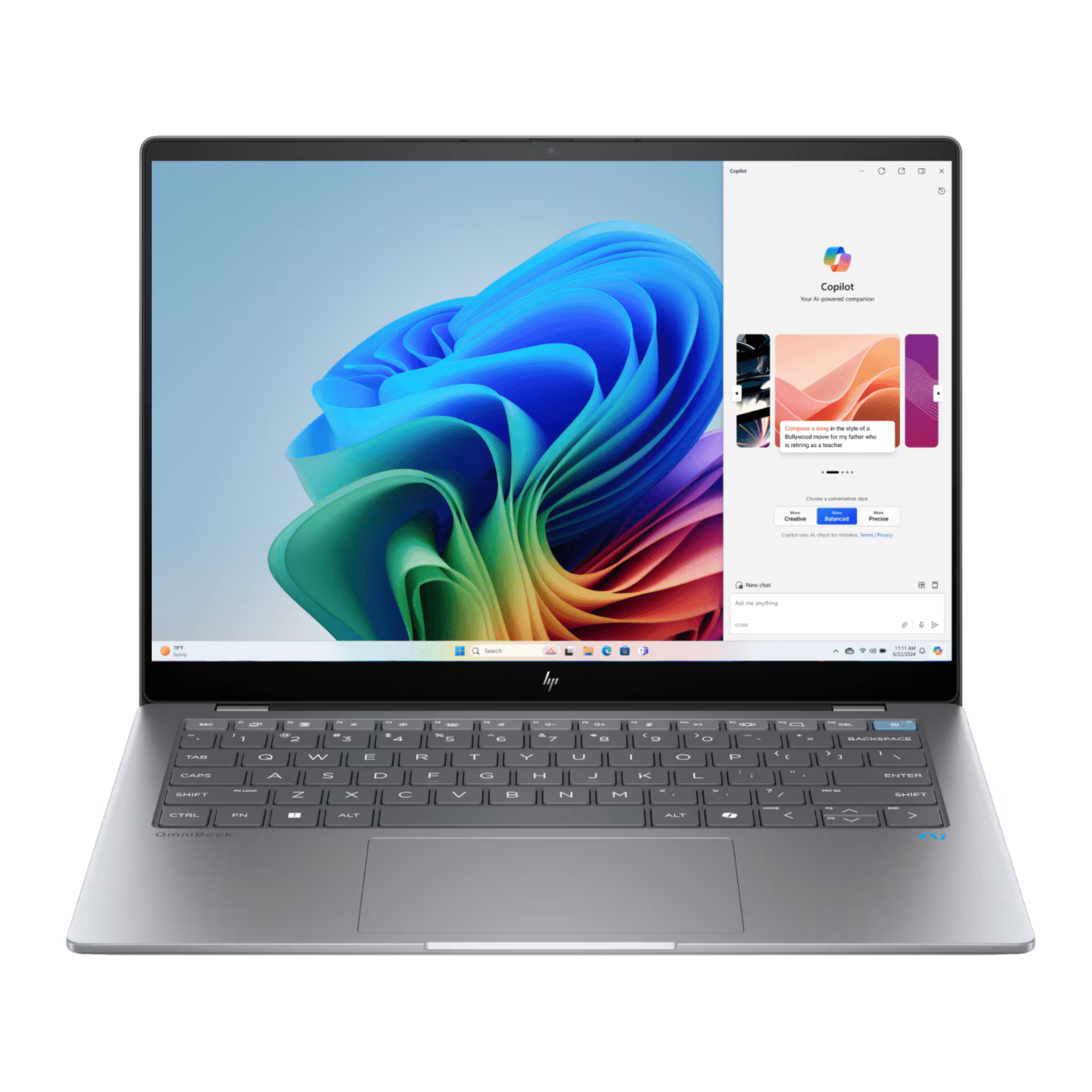
These days, the definition of an AI PC is too vague. Microsoft realized this early on, so they created a certification called “Copilot+ PC.” This is not just a branding exercise; it is a hardware requirement. For a Windows laptop to wear this badge, it must have an NPU capable of performing at least 40 TOPS (Tera Operations Per Second).
These machines are designed to run Windows 11’s AI features locally. This includes features like Recall, which allows you to scroll back through your past activity like a photographic memory, and real-time live captions for any audio source.
So if you buy a laptop in 2026 that claims to be an AI PC but doesn’t have a “Copilot+ PC” badge, in that case, you are most probably getting older hardware that can’t run the newest local features efficiently.
What is an NPU, and why is it Important for AI Laptops?
NPU is designed to run the math required to run AI tasks. It is efficient at doing these repetitive tasks without draining the battery life. It allows your laptop to run intelligent features like watching for security threats or optimizing performance, without your fans spinning up too fast.
In the past, if you wanted to blur your background on a Zoom call or run a noise-cancellation algorithm, your CPU or GPU had to do the heavy lifting. These chips are powerful, but they are power-hungry. Using a GPU to run a simple AI task is like using a flamethrower to light a candle. It works, but it is wasteful and kills your battery.
Benefits and Limitations of AI Laptops
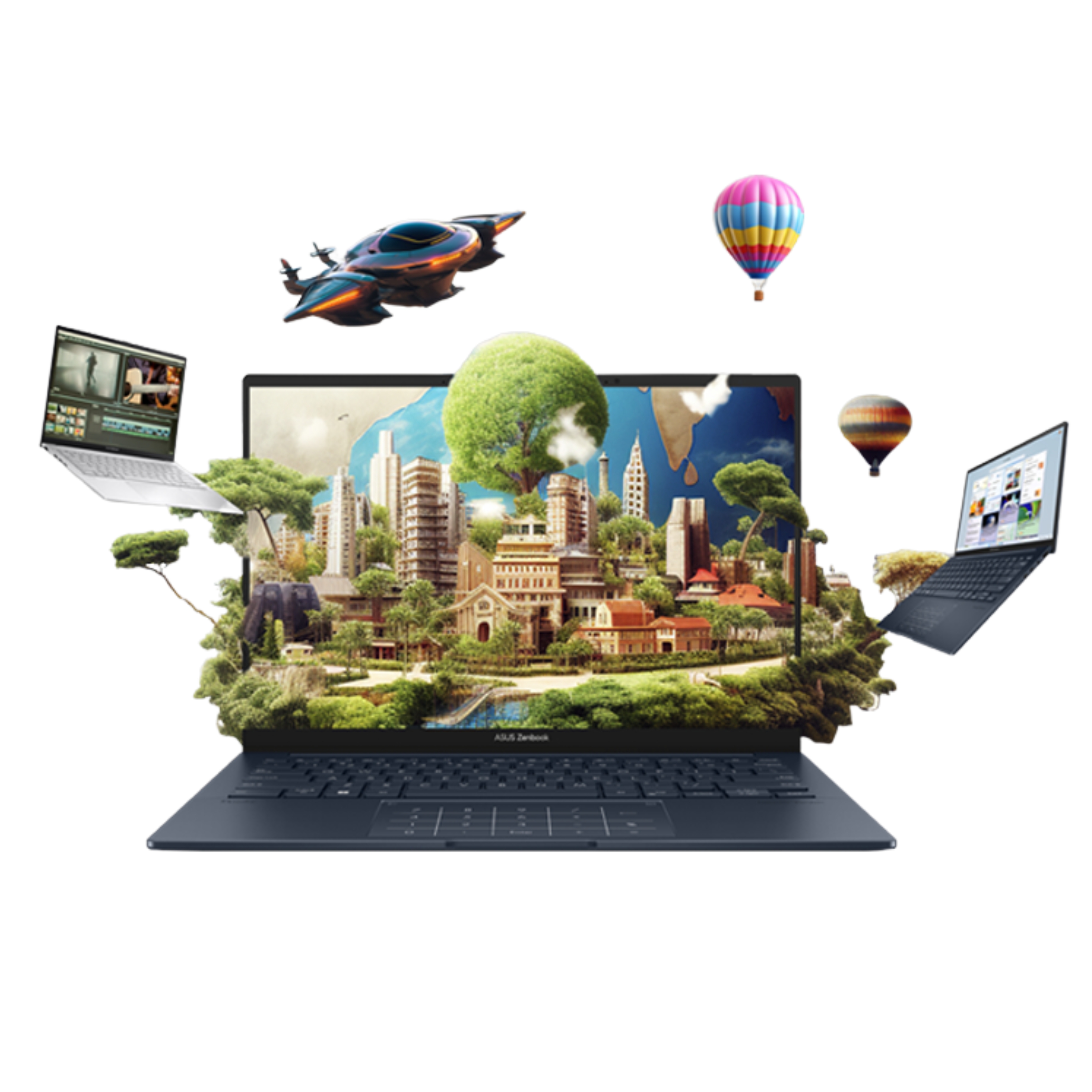
The biggest benefit of an AI laptop is efficiency. Because the NPU handles the majority of the AI tasks, which means the main processor is free to handle your actual work, and your battery lasts longer. We are seeing Windows laptops finally rival MacBooks in battery life because of this shift. Along with that, privacy is a major perk. Since the AI processing happens on your machine, your data doesn’t always have to leave your laptop to be processed by a server in a different country.
The limitation is almost entirely price and compatibility. You are paying a premium for this silicon. Also, some of the early AI laptops were built on ARM architecture (like the Snapdragon X Elite). While they are great for batteries, they sometimes struggle with older, niche Windows applications that were built for traditional Intel or AMD chips. While compatibility has improved massively by 2026, it is still something power users need to double-check.
Benefits and Limitations of Normal Laptops
The new AI Laptops do not make your old laptop obsolete, especially the one with a dedicated graphics card like an NVIDIA RTX series; it’s still the beast. For power users, raw GPU prowess beats NPU efficiency every single time. If you are rendering a 4K video or playing Cyberpunk 2077, in that case, you need a GPU, not the AI chip.
The limitation of a normal laptop in 2026 is that it feels dated for general productivity. You miss out on the deep OS integrations, like instant search retrieval or on-device creative tools. You also lose out on the battery gains. Without an NPU, your laptop has to wake up the big, power-hungry CPU cores every time you want to use a smart feature, which means less time away from the wall outlet.
Is MacBook an AI Laptop?
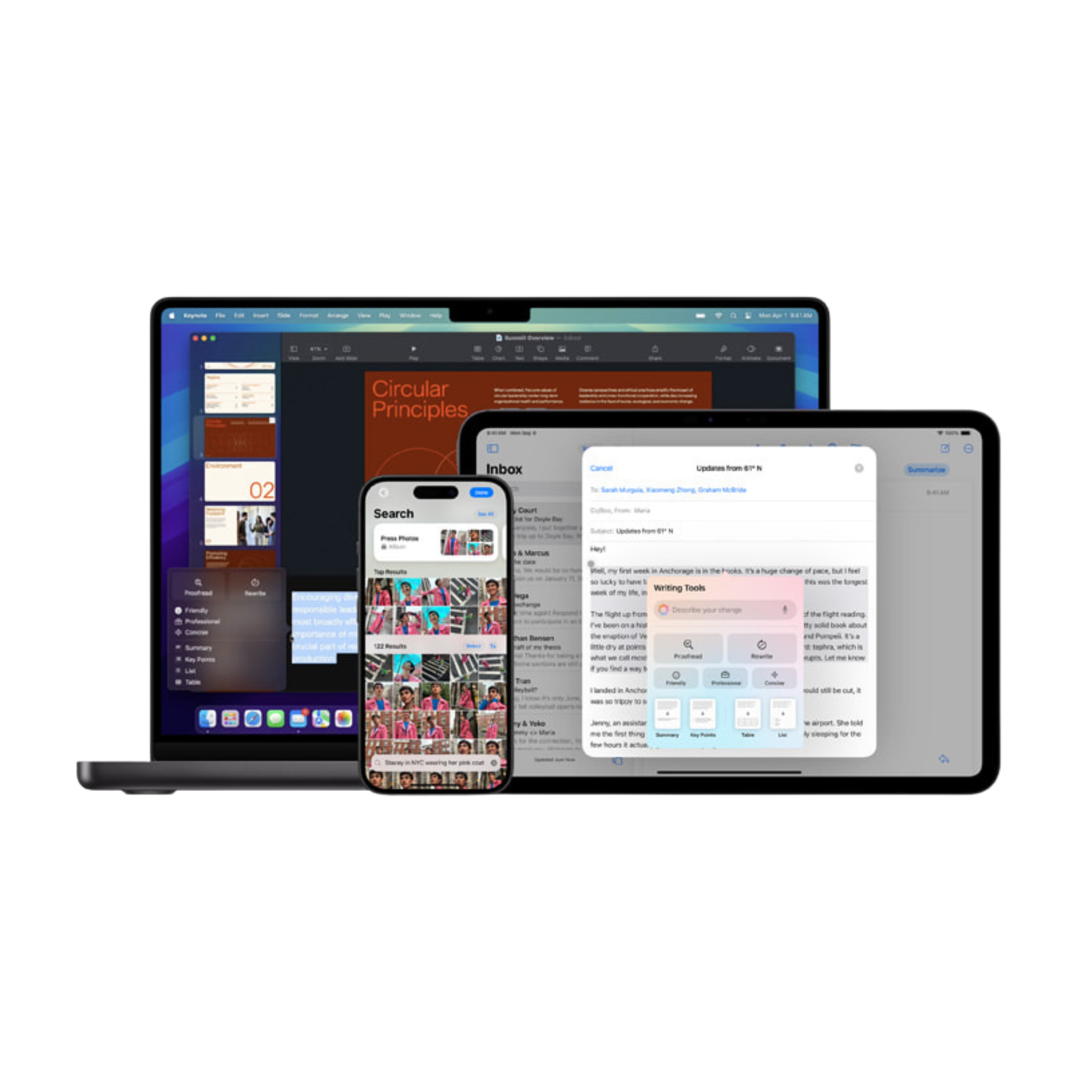
Apple would never call it an “AI Laptop” because they hate using everyone else’s terminology, but yes, the MacBook is an AI laptop. Apple has been putting “Neural Engines” (their word for NPUs) in their chips since the M1 was released years ago. They were ahead of the curve on hardware, even if they were a bit quieter about the software initially.
With the rollout of Apple Intelligence, Macs with M1 chips or newer are fully capable AI machines. They run local models for writing assistance, image generation, and Siri upgrades, just like the Windows Copilot+ machines. In fact, because Apple controls both the hardware and the software, the integration often feels smoother than on Windows.
Are AI Laptops More Secure Compared to Normal Laptops?
In some ways, yes. Running AI tasks locally means sensitive data does not need to be sent to cloud servers for processing. This reduces exposure during tasks like document analysis, voice transcription, or image recognition.
However, security still depends on the operating system, update policies, and user behavior. An AI laptop is not automatically safer if the underlying system is poorly managed. The advantage is potential, not a guarantee.
Do You Really Need an AI Laptop in 2026?
The honest answer is that it depends on how you use your laptop. If your daily workflow involves meetings, writing, research, content creation, or anything that benefits from real-time AI assistance, an AI laptop can save time and battery while keeping your data local.
If you mainly browse the web, watch content, code lightly, or use cloud-based tools, a normal laptop is still perfectly fine. You are not missing out on core functionality yet.
AI laptops make the most sense if you plan to keep your device for several years. As operating systems continue to shift more intelligence on-device, having dedicated AI hardware will matter more over time.
FAQs
For everyday AI features like summaries, transcription, and image tools, 16GB RAM is enough in 2026.
Processors with a built-in NPU are better for AI. This matters more than raw CPU speed for on-device AI tasks.
Yes. 16GB works well for most AI-powered features. You only need more if you run heavy local models or AI development workloads.